
Plugins › Effects
Blur Lab
Five cinematic blurs in one effect: dreamy glow, diffusion, edge focus, background soften and zoom. Shape your own focus and animate it in.
✓ Email confirmed
You're on the list. We'll email you the moment Blur Lab is out.
Downloads aren't open yet. Want an email the moment Blur Lab is out?
You're in. Every free plugin on the site is unlocked in this browser.
✉ One more step
Check your inbox
We sent a link to . Click it and you come back here with the download ready. Not there? Look in Spam or Promotions.
·
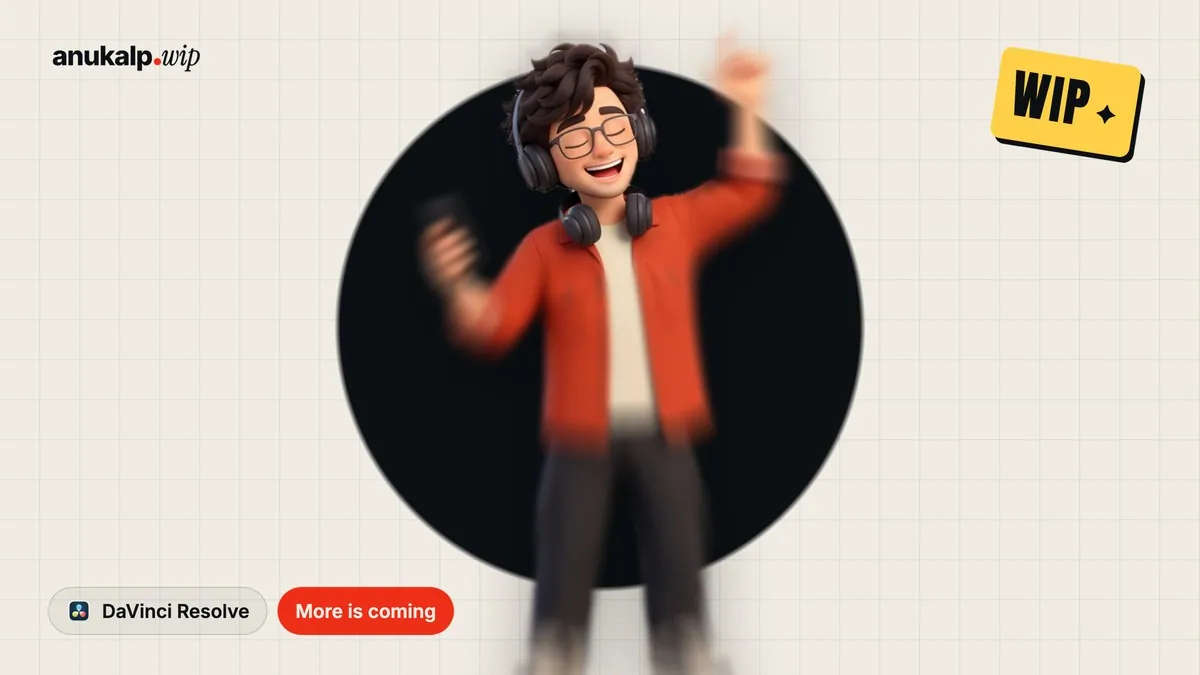

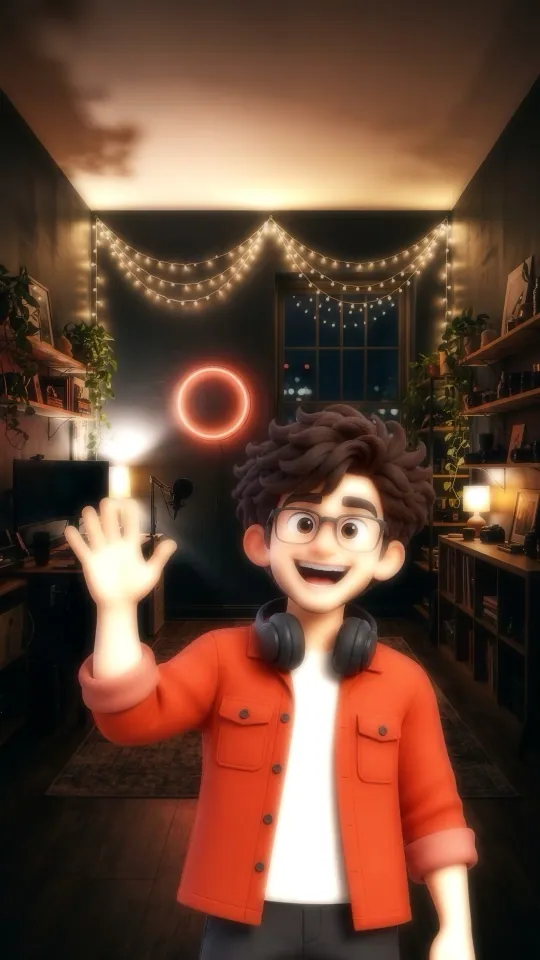

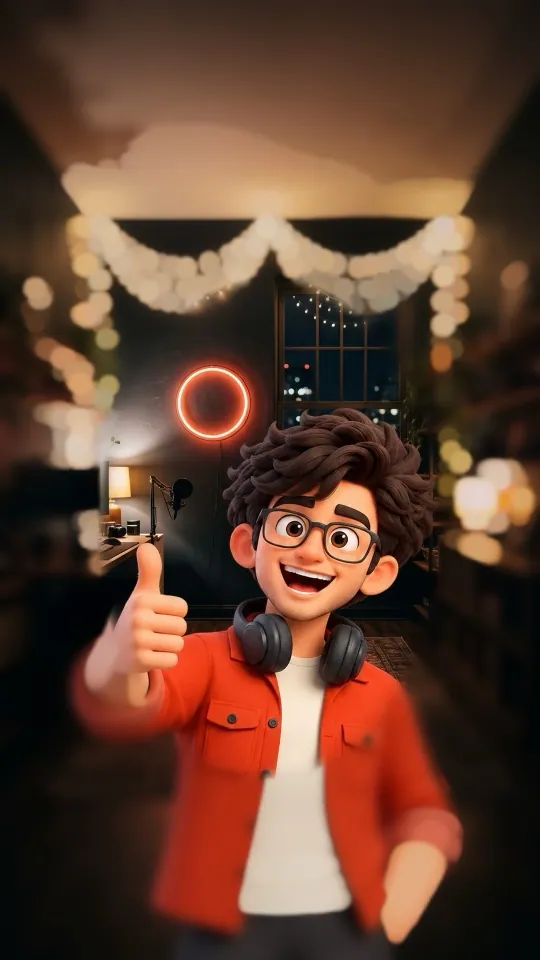

Real frames from the plugin: Halation & Bloom · Diffusion · Edge Focus · Background Soften · Zoom
What it is
What it does
One drag-and-drop effect with five blur looks: Halation & Bloom for a dreamy film glow on highlights, Diffusion for soft skin, Edge Focus to pull the eye to the centre, Background Soften for real bokeh behind your subject, and Zoom / Directional for a speed punch. Shape the sharp area yourself with an Ellipse, Box or tilt-shift Band, move, size, rotate and feather it, and turn on Show Focus Area to see exactly what gets blurred (red = blurred). Build the blur in or out over any number of frames. Works in free Resolve, no Color page or masks needed.
- 5 looks: Halation & Bloom, Diffusion, Edge Focus, Background Soften, Zoom / Directional
- Your own focus shape: Ellipse, Box or Band (tilt-shift), with size, position, rotation and feather
- Show Focus Area overlay (red = blurred) so you see exactly what you are changing
- Real bokeh for Background Soften, glow colour and threshold for the dreamy looks
- Build In / Build Out / Blur Reveal animation, with your own duration and delay
- Light and real-time on the Edit page in free Resolve
Use it for
- Dreamy film glow on night and golden-hour shots
- Soft, flattering skin on talking heads
- Making a subject pop from a busy background
- Tilt-shift miniature looks
- Speed punches and transitions
Tips
- Halation & Bloom looks best on shots with bright lights against darker areas: neon, string lights, a window, a sunset.
- Keep the glow subtle on bright faces: lower Halation or raise the Threshold.
- Turn on Show Focus Area while you place the shape, then turn it off.
- Band (tilt-shift) on a high-angle street or crowd shot gives the miniature look.
- Zoom with a small focus size on the face keeps the eyes sharp in a speed punch.
Install · about a minute
Four steps
- 01
Unzip the download, then double-click the .drfx file inside. Resolve installs it for you.
- 02
Restart DaVinci Resolve.
- 03
On the Edit page, open Effects › Effects › anukalp.wip.
- 04
Drag it onto your timeline, select it, and change everything in the Inspector.
Double-click doesn't work? Copy the .drfx into ~/Library/Application Support/Blackmagic Design/DaVinci Resolve/Fusion/Templates/ on Mac, or %APPDATA%\Blackmagic Design\DaVinci Resolve\Support\Fusion\Templates\ on Windows, then restart Resolve.
Troubleshooting
If something's off
- It isn't in the Effects library. Restart Resolve after installing. Still missing? Use the manual install path above.
- It looks different from the demo. Check you're on Resolve 21, then compare your Inspector settings with the defaults in the guide.
- Known issues: none reported for this version yet.
Compatibility
Version 1.0.0
| Works on | macOS, Windows |
|---|---|
| DaVinci Resolve | 21 (tested on Mac) · Free and Studio |
| Released | 6 Nov 2026 |
| Download size | 1.2 MB |
What's new in 1.0.0
- First release: Halation & Bloom, Diffusion, Edge Focus, Background Soften and Zoom / Directional, focus shape (Ellipse, Box, Band) with Show Focus Area, Build In / Out animation.
Free download · 1.2 MB
Get Blur Lab
Enter your email and we'll send a download link. Already confirmed for another plugin? Same address, no new steps.Downloads aren't open yet. Leave your email and you'll hear the moment Blur Lab is out.
✓ Email confirmed
You're on the list. We'll email you the moment Blur Lab is out.
Downloads aren't open yet. Want an email the moment Blur Lab is out?
You're in. Every free plugin on the site is unlocked in this browser.
✉ One more step
Check your inbox
We sent a link to . Click it and you come back here with the download ready. Not there? Look in Spam or Promotions.
·