
Plugins › Effects
WIP Carousel
A 3D image carousel you build on the Edit page. Drop your images into the Inspector and never open Fusion.
✓ Email confirmed
You're on the list. We'll email you the moment WIP Carousel is out.
Downloads aren't open yet. Want an email the moment WIP Carousel is out?
You're in. Every free plugin on the site is unlocked in this browser.
✉ One more step
Check your inbox
We sent a link to . Click it and you come back here with the download ready. Not there? Look in Spam or Promotions.
·
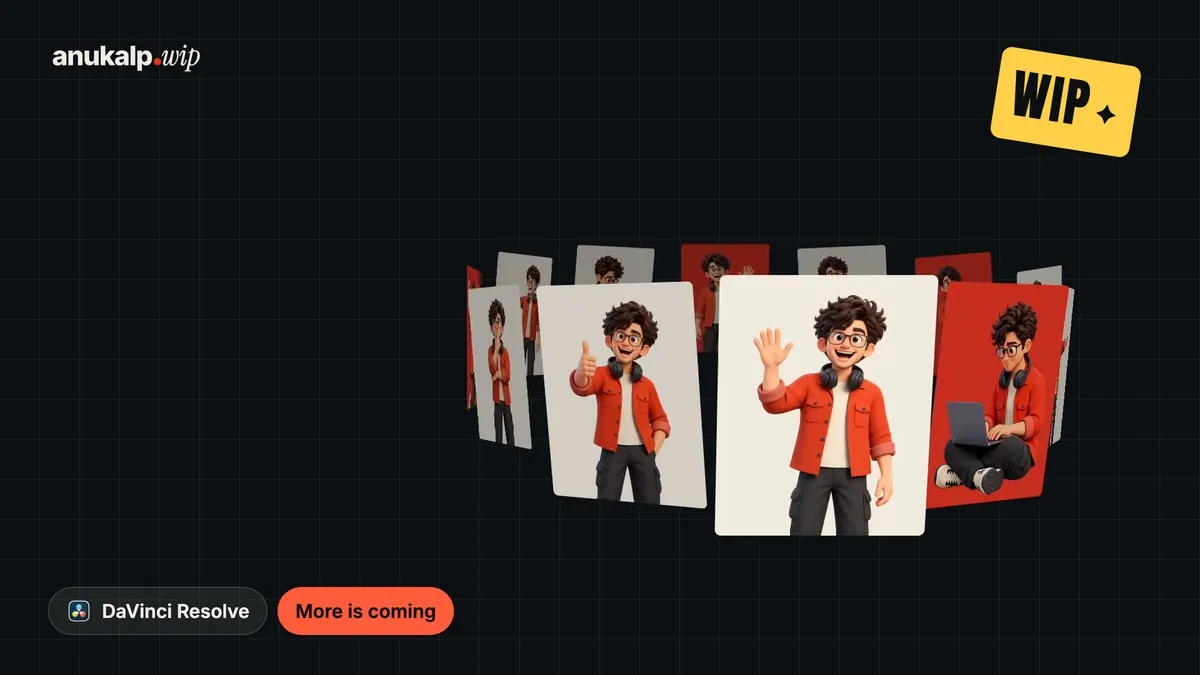
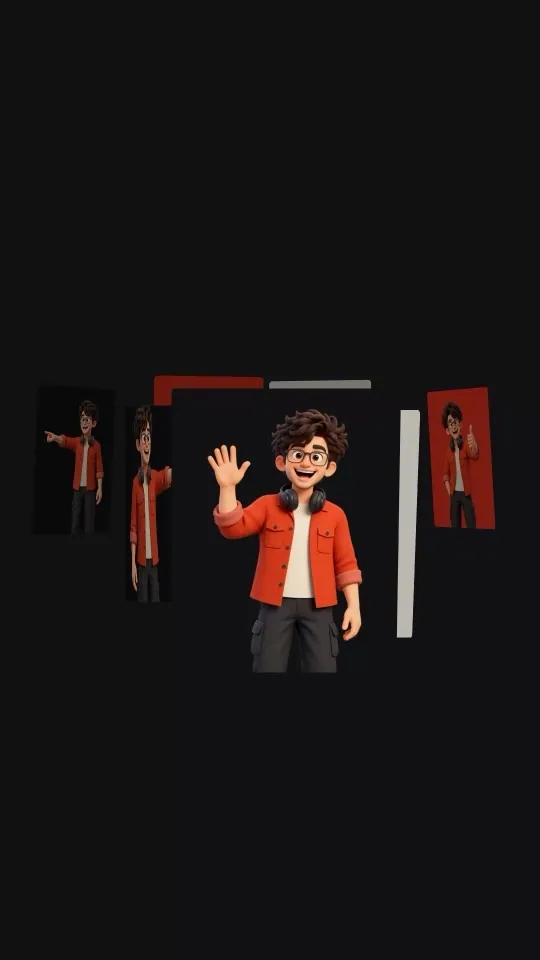

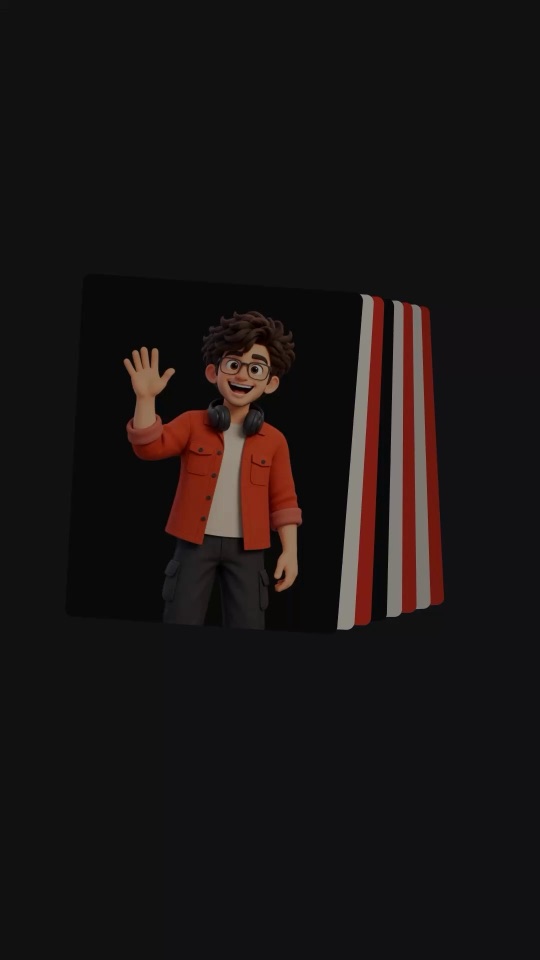
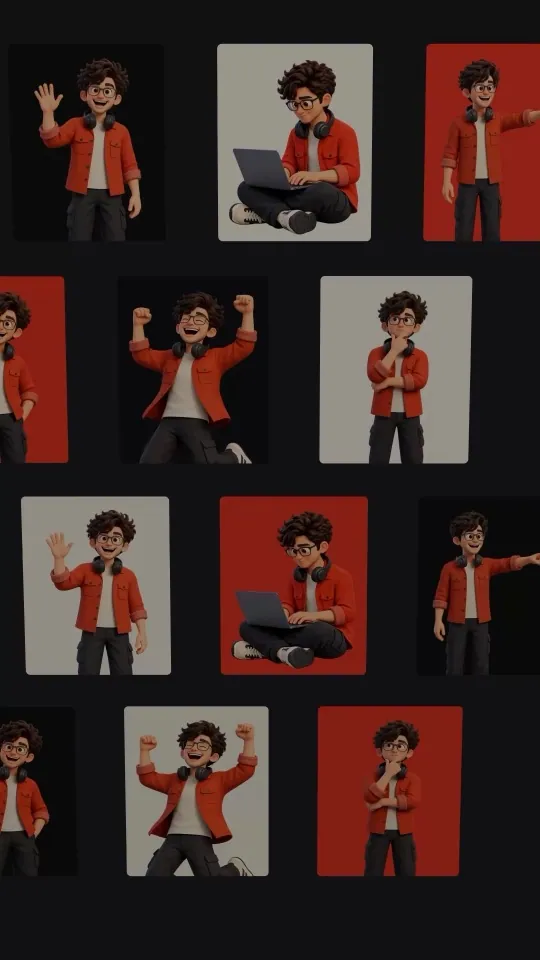

carousel · sphere · stack · wall · ring
What it is
What it does
Twelve 3D layouts for your images, from a clean carousel to a spherical gallery, helix, drum and wall. Drag one generator to your timeline, drop your images into the Inspector and everything else is automatic: it counts your images, sizes the cards and keeps each image's own shape. It runs on your GPU, so 150 cards costs about the same as a few dozen.
- Twelve layouts, including ring, helix, wall and sphere
- Works on the Edit page: drop your images straight into the Inspector
- Up to 24 different images and up to 150 cards
- Morph one layout into another
- Spin it, or step and hold, on a ready ease or your own curve
- Keep each image's shape or pick your own, and round the corners
- A focus zone pulls the front card forward
- Runs on your GPU and works in free Resolve
Use it for
- Portfolio and client-work reels
- Product and app galleries
- Photo albums and event recaps
- Podcast guest and thumbnail walls
- Opening titles and section intros
Tips
- Name files in order (photo_01, photo_02...) and Resolve treats them as one item you can drop in a single drag.
- For files that aren't numbered, select them, make a compound clip, and drop that.
- Sphere + Cards 40 + Focus: Front is the clean spherical look.
- Step & Hold with a Snappy ease is great for showing one project at a time.
- Leave Background on Transparent and put it above your video.
Install · about a minute
Four steps
- 01
Unzip the download and keep the folder together.
- 02
Mac: double-click Install (Mac).command. If macOS says it can't be opened, right-click it and choose Open. Windows: double-click Install (Windows).bat.
- 03
Restart DaVinci Resolve.
- 04
On the Edit page, open Effects › Generators › anukalp.wip, drag WIP Carousel to the timeline, click it, and drag your images into All Images in the Inspector.
Double-click doesn't work? Copy the .drfx into ~/Library/Application Support/Blackmagic Design/DaVinci Resolve/Fusion/Templates/ on Mac, or %APPDATA%\Blackmagic Design\DaVinci Resolve\Support\Fusion\Templates\ on Windows, then restart Resolve.
Troubleshooting
If something's off
- It isn't in the Effects library. Restart Resolve after installing. Still missing? Use the manual install path above.
- It looks different from the demo. Check you're on Resolve 21, then compare your Inspector settings with the defaults in the guide.
- Known issues: Carousel has two parts, so double-clicking only the .drfx is not enough. Use the installer. Windows has not been tested yet. If it misbehaves, tell us.
Compatibility
Version 1.0.0
| Works on | macOS, Windows |
|---|---|
| DaVinci Resolve | 21 (tested on Mac) · Free and Studio |
| Released | 9 Nov 2026 |
| Download size | 1.5 MB |
What's new in 1.0.0
- First release: twelve 3D layouts, Inspector image drop, morph, motion with a custom ease curve, card shape and focus controls.
Free download · 1.5 MB
Get WIP Carousel
Enter your email and we'll send a download link. Already confirmed for another plugin? Same address, no new steps.Downloads aren't open yet. Leave your email and you'll hear the moment WIP Carousel is out.
✓ Email confirmed
You're on the list. We'll email you the moment WIP Carousel is out.
Downloads aren't open yet. Want an email the moment WIP Carousel is out?
You're in. Every free plugin on the site is unlocked in this browser.
✉ One more step
Check your inbox
We sent a link to . Click it and you come back here with the download ready. Not there? Look in Spam or Promotions.
·