
Plugins › Effects
WIP Dot Wave
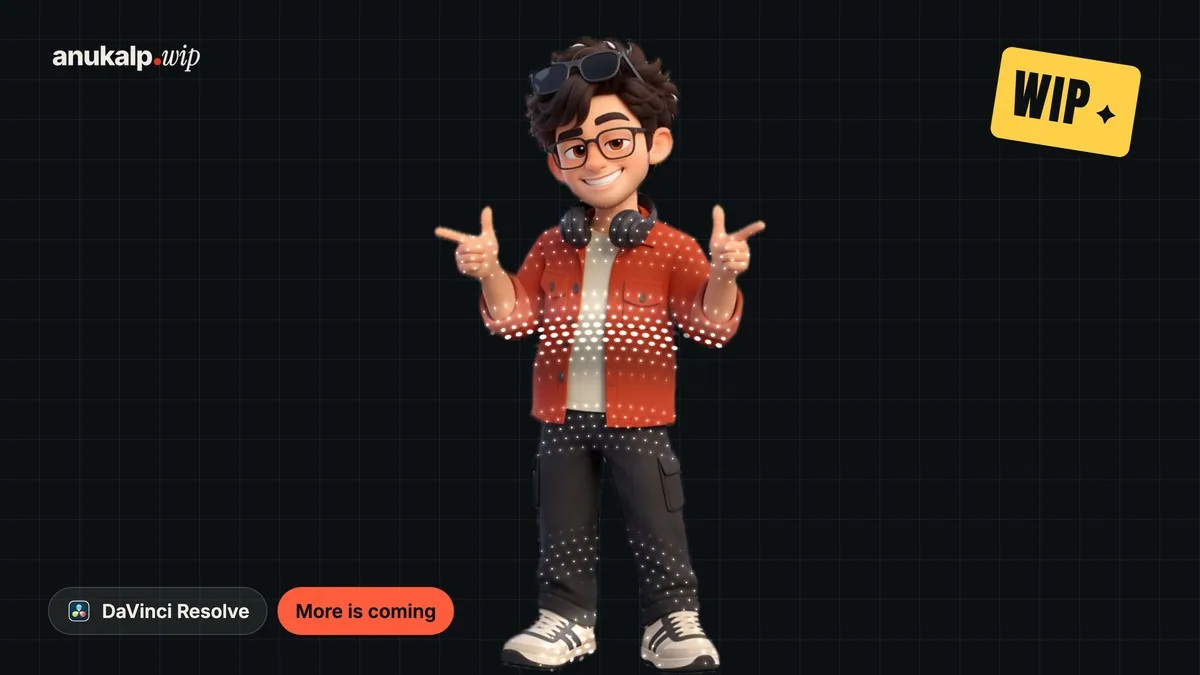
A wave that travels through your footage like water. The picture and text ripple as dots, grids, lines or a white band pass through.
✓ Email confirmed
You're on the list. We'll email you the moment WIP Dot Wave is out.
Downloads aren't open yet. Want an email the moment WIP Dot Wave is out?
You're in. Every free plugin on the site is unlocked in this browser.
✉ One more step
Check your inbox
We sent a link to . Click it and you come back here with the download ready. Not there? Look in Spam or Promotions.
·





water drop · water drain · white band · grid sweep · ripple
What it is
What it does
Drop it on any clip and a wave crosses the frame. The footage and text really bend as it passes, like a drop hitting water, and the wave carries a texture with it. Twelve ready looks cover rings, straight sweeps and inward collapses, or build your own with Custom. Swap the element without changing the animation, send it from any side or corner, and it plays in real time in free Resolve.
- A real water ripple: the footage and text bend as the wave passes
- Twelve looks, from Water Drop to White Band, or build your own with Custom
- Swap the element: Dots, Grid, Lines, Solid, Stars, Hexagons and more
- Any direction: left, right, top, bottom, a corner or your own point
- Outward, inward, or out then back in
- Your own colours, a palette, or colours taken from the footage
- Intensity, ripple, light, tint and glow controls, plus a drawable ease graph
- Runs on your GPU and works in free Resolve
Use it for
- Punctuating a key moment in a reel
- Moving between ideas without a hard cut
- Sweeps across titles and logos
- Water and ripple moments on any footage
- UI and product card reveals
Tips
- Short durations (6 to 10 frames) feel like a quick pop. Around 26 frames lets you watch the water travel.
- White elements on a bright clip? Raise Darken Behind the Dots.
- Set Texture to None for pure water with no pattern.
- Want a straight water wave? Set Wave Shape to Straight Sweep.
- On a cut-out, set Show On to Subject so the elements stay on it.
Install · about a minute
Four steps
- 01
Unzip the download and keep the folder together.
- 02
Mac: double-click Install (Mac).command. If macOS says it can't be opened, right-click it and choose Open. Windows: double-click Install (Windows).bat.
- 03
Restart DaVinci Resolve.
- 04
On the Edit page, open Effects › Effects › anukalp.wip, drag WIP Dot Wave onto a clip, select the clip and open the Inspector to change everything.
Double-click doesn't work? Copy the .drfx into ~/Library/Application Support/Blackmagic Design/DaVinci Resolve/Fusion/Templates/ on Mac, or %APPDATA%\Blackmagic Design\DaVinci Resolve\Support\Fusion\Templates\ on Windows, then restart Resolve.
Troubleshooting
If something's off
- It isn't in the Effects library. Restart Resolve after installing. Still missing? Use the manual install path above.
- It looks different from the demo. Check you're on Resolve 21, then compare your Inspector settings with the defaults in the guide.
- Known issues: Dot Wave has two parts, so double-clicking only the .drfx is not enough. Use the installer. Windows has not been tested yet. If it misbehaves, tell us.
Compatibility
Version 1.0.0
| Works on | macOS, Windows |
|---|---|
| DaVinci Resolve | 21 (tested on Mac) · Free and Studio |
| Released | 10 Nov 2026 |
| Download size | 1.7 MB |
What's new in 1.0.0
- First release: twelve looks with a real water ripple, 19 textures, any direction, inward or outward, and full colour control.
Free download · 1.7 MB
Get WIP Dot Wave
Enter your email and we'll send a download link. Already confirmed for another plugin? Same address, no new steps.Downloads aren't open yet. Leave your email and you'll hear the moment WIP Dot Wave is out.
✓ Email confirmed
You're on the list. We'll email you the moment WIP Dot Wave is out.
Downloads aren't open yet. Want an email the moment WIP Dot Wave is out?
You're in. Every free plugin on the site is unlocked in this browser.
✉ One more step
Check your inbox
We sent a link to . Click it and you come back here with the download ready. Not there? Look in Spam or Promotions.
·