
Plugins › Effects
Fisheye
A glassy fisheye bubble lens for any clip. Drag it on and it fits itself to the frame.
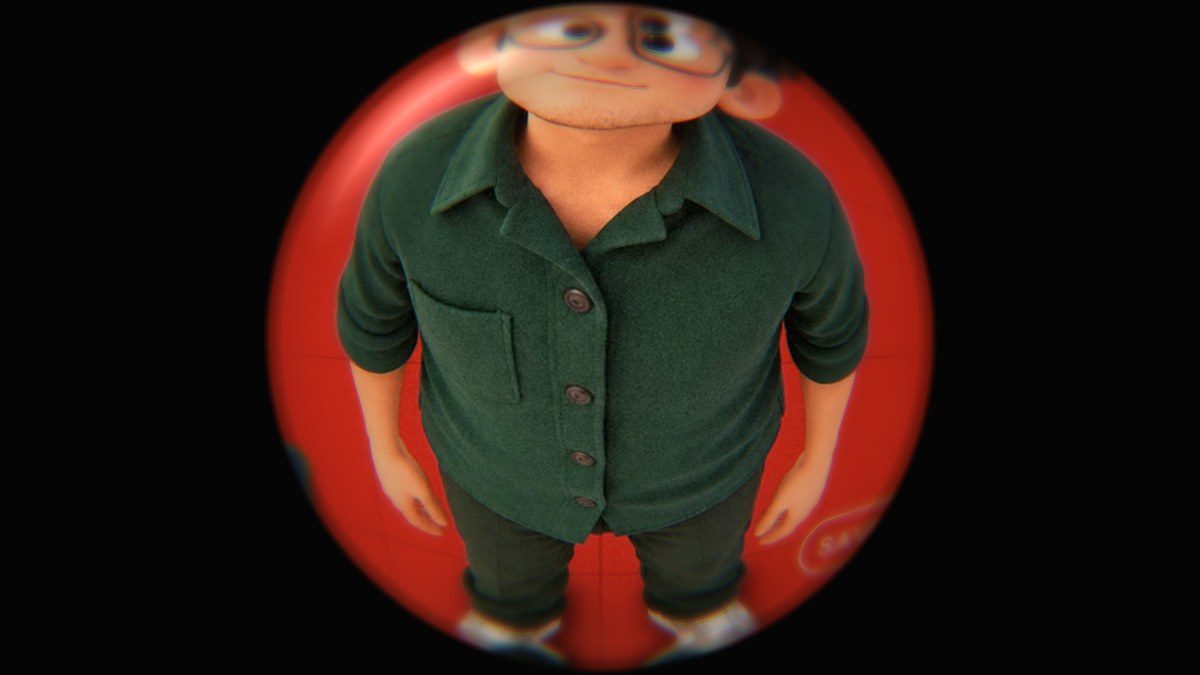
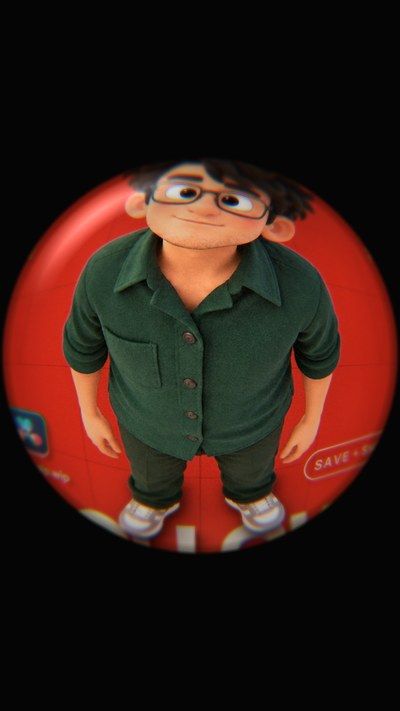
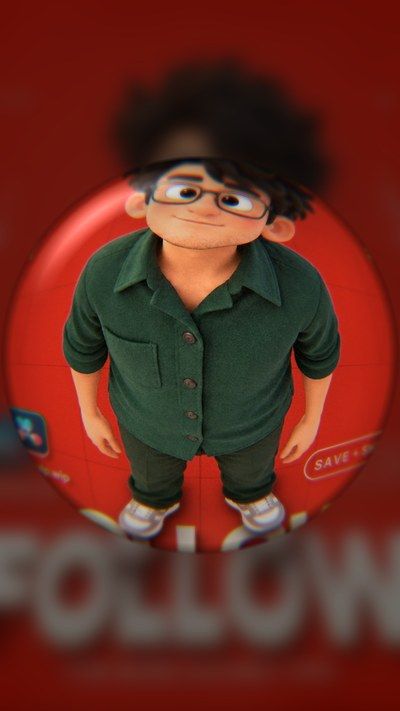
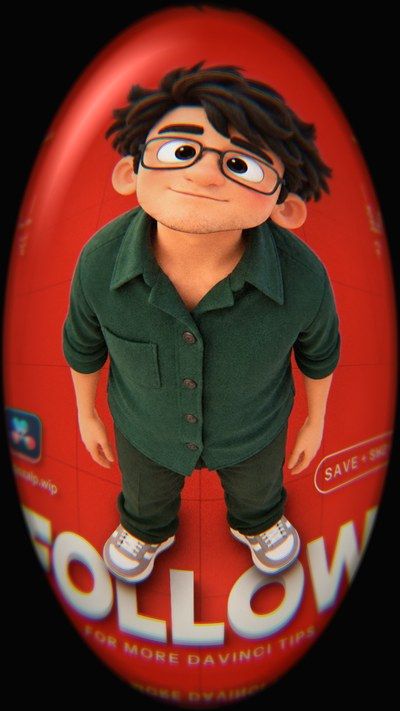
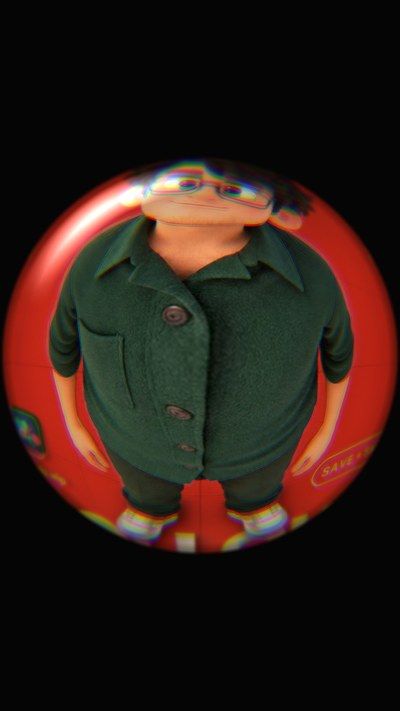
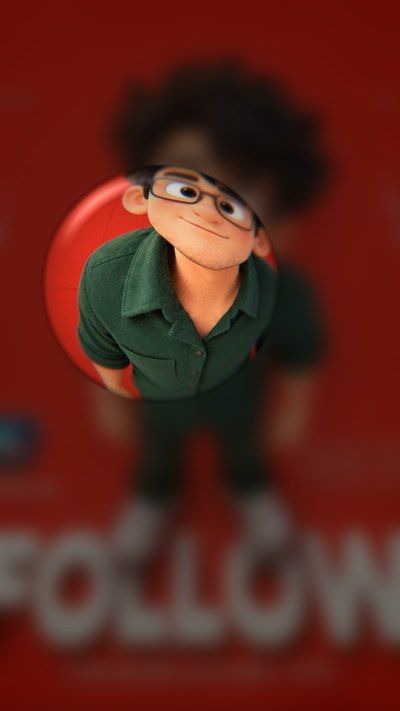
Default · blurred outside · oval fit · strong glass · small lens
What it is
What it does
Turns any clip into a curved glass bubble: the middle bulges out, the edges bend, and the rim gets real-glass details like rainbow fringing, edge blur, inner shading, a dark rim and a soft reflection. Outside the bubble you choose black, a blurred copy of the video, or the original. It reads the clip's size, so it works on 9:16, 16:9, 4:5 or square without touching anything.
- Fits any frame shape on its own: 9:16, 16:9, 4:5, square
- Circle or full-frame oval, so there are no black bars
- Real-glass rim: rainbow fringe, edge blur, shading and a reflection
- Outside the lens: solid colour, blurred video or the original
- Optional pop-in animation with Smooth, Snappy, Bouncy or Elastic easing
- Effect Amount slider to blend with the original clip
Use it for
- Skate, street and fashion-style shots
- Funny close-ups and reaction shots
- Music videos and transitions
- Making a still frame feel playful
Tips
- Fit To Frame 1 fills the whole frame with an oval: no black bars.
- Fill › Blurred Video looks great on vertical reels.
- Field Of View above 1.3 squeezes more of the scene into the bubble.
- Animate In at 8–15 frames with Bouncy makes the lens pop open at the start of the clip.
- Keep Chromatic Fringe low (0.02–0.04) for realism, high for a stylised look.
Install · about a minute
Four steps
- 01
Unzip the download, then double-click the .drfx file inside. Resolve installs it for you.
- 02
Restart DaVinci Resolve.
- 03
On the Edit page, open Effects › Effects › anukalp.wip.
- 04
Drag it onto your timeline, select it, and change everything in the Inspector.
Double-click doesn't work? Copy the .drfx into ~/Library/Application Support/Blackmagic Design/DaVinci Resolve/Fusion/Templates/ on Mac, or %APPDATA%\Blackmagic Design\DaVinci Resolve\Support\Fusion\Templates\ on Windows, then restart Resolve.
Troubleshooting
If something's off
- It isn't in the Effects library. Restart Resolve after installing. Still missing? Use the manual install path above.
- It looks different from the demo. Check you're on Resolve 21, then compare your Inspector settings with the defaults in the guide.
- Known issues: none reported for this version yet.
Compatibility & releases
Version 1.0.0
| Works on | macOS, Windows |
|---|---|
| DaVinci Resolve | 21 (tested) · Free and Studio |
| Released | 15 Oct 2026 |
| Download | anukalp.wip-Fisheye-1.0.0.zip · 1.0 MB |
| SHA-256 | 139206833ff7f8fa0617ad799e5bb7966e195630e49857574b6f2177e4a60704 |
Release history
- 1.0.0Current15 Oct 2026 · 1.0 MB
- First release: 25 controls, oval fit, glass rim, three outside fills, pop-in animation.
A version's file is never swapped. Fixes always come as a new version number.
Free download · 1.0 MB
Get Fisheye
Enter your email and we'll send a download link. Already confirmed for another plugin? Same address, no new steps.Downloads aren't open yet. Leave your email and you'll hear the moment Fisheye is out.
✓ Email confirmed
You're on the list. We'll email you the moment Fisheye is out.
Downloads aren't open yet. Want an email the moment Fisheye is out?
You're in. Every free plugin on the site is unlocked in this browser.