
Plugins › Effects
WIP Grid Reveal Vol. 2
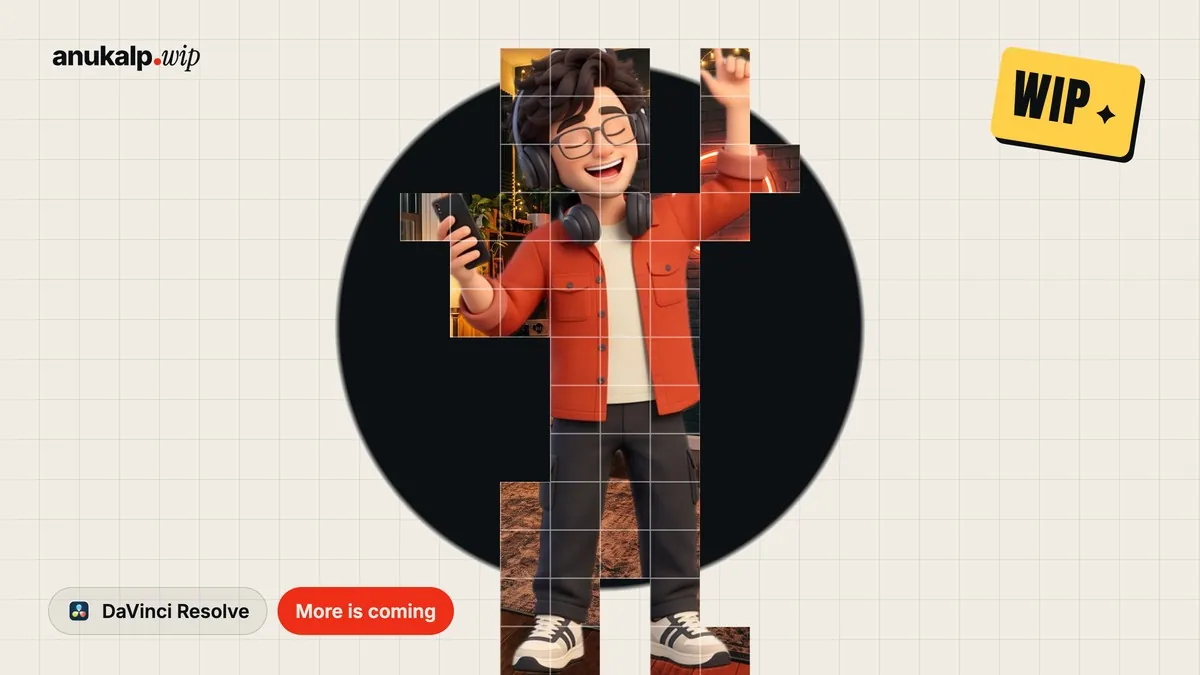
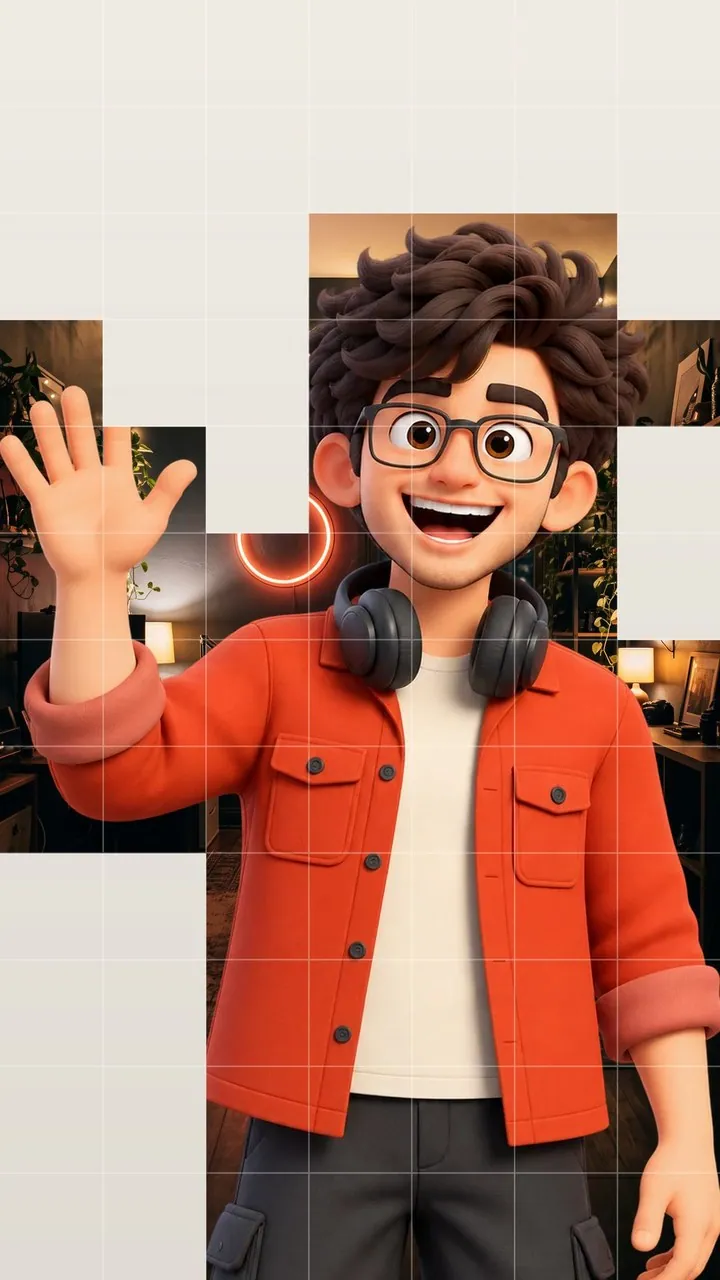
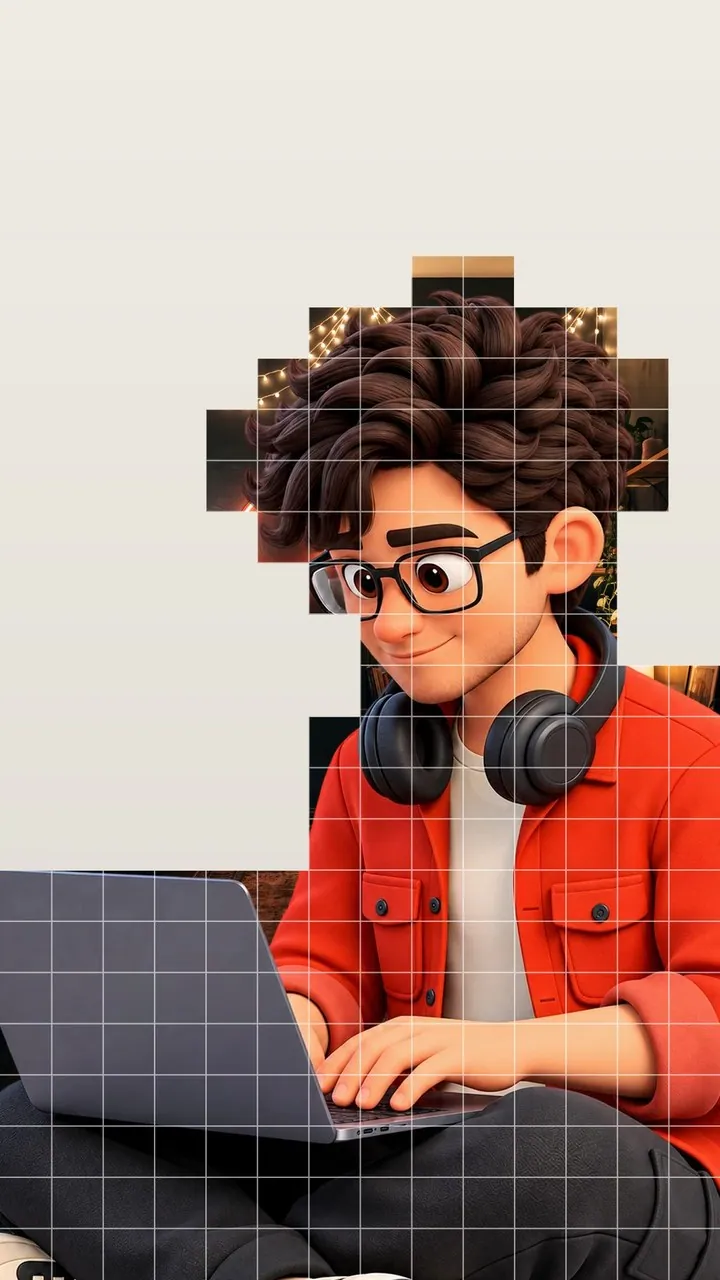
The grid cut-out edit: your subject shows only in the grid cells they touch, over any background, with clean grid lines.
✓ Email confirmed
You're on the list. We'll email you the moment WIP Grid Reveal Vol. 2 is out.
Downloads aren't open yet. Want an email the moment WIP Grid Reveal Vol. 2 is out?
WIP Grid Reveal Vol. 2 is a paid plugin. Pay once, keep it, and every update is included.
Secure payment by Razorpay: UPI, cards, netbanking. The receipt and download link go to your email. Refunds · Already bought it? Sign in
You're in. Every free plugin on the site is unlocked in this browser.
✉ One more step
Check your inbox
We sent a link to . Click it and you come back here with the download ready. Not there? Look in Spam or Promotions.
·


subject grid · out of frame · box outlines · glitch cells · lines on the cells
What it is
What it does
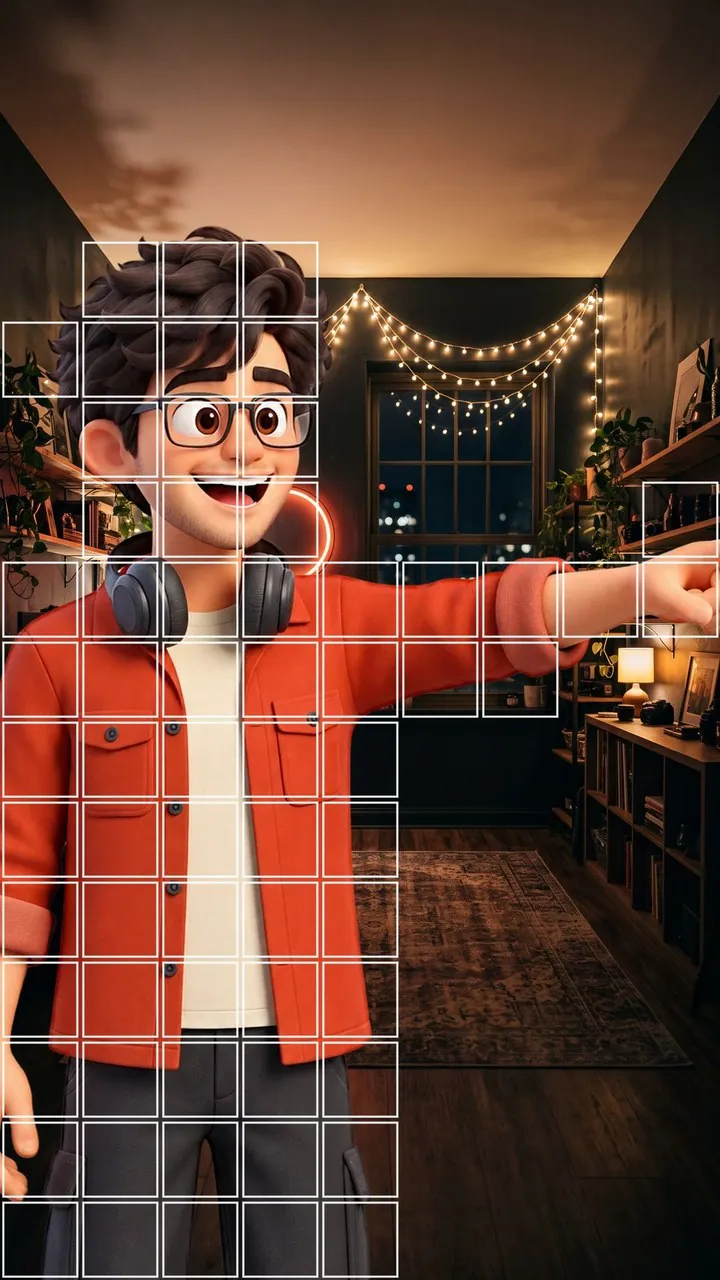
The viral grid edit without After Effects roto, Mosaic and track mattes. Object Mask makes a matte clip of your subject; drop it into the effect and your clip shows only in the grid cells the subject touches, while the clip on the track below shows everywhere else. The cells follow the subject on every frame and the grid lines always line up with them. Pick one of six Looks, and let the cells build on or clear away with Vol. 1's cell reveal. Real-time in free Resolve.
- Six Looks: Subject Grid, Out of Frame, Inverse, Pixel Silhouette, Box Outlines, Glitch Cells
- Drop Object Mask's matte clip into the Subject Matte field - no roto, no track matte
- Cells follow your subject every frame, with Coverage, Grow and Steady Cells (no edge flicker)
- Square cells at 9:16 and 16:9, any number of columns
- Grid lines over the whole frame or only on the cells, in any colour, width and opacity
- Vol. 1's cell reveal as an In / Out animation: random, by row or column, from the centre, diagonal
- No matte? Drop it straight on an Object Mask cut-out and it uses the clip's own alpha
Use it for
- The 'Here's how' grid hook
- Talking-head reels with a b-roll backdrop
- Music video and dance edits
- Glitchy tech and AI edits
Tips
- Bold look: 7 to 9 Columns at 9:16 with Line Opacity around 0.35.
- Cells flickering at the edges? Keep Steady Cells on or raise Coverage a little.
- Put text on a track between the background and this clip so it sits behind your subject.
- Out of Frame reads best when the subject is smaller than the frame.
- The first play of a new clip can stutter for a second while the matte loads; it plays smoothly after.
- After updating, delete the effect from your clip and drag it on again.
Install · about a minute
Four steps
- 01
Unzip the download, then double-click the .drfx file inside. Resolve installs it for you.
- 02
Restart DaVinci Resolve.
- 03
In Object Mask, pick your subject, Track and Send, then press Make matte clip on the Done card (it lands in the Media Pool bin anukalp.wip matte clips). Turn off the masked copy it put above your clip.
- 04
On the Edit page, open Effects › Effects › anukalp.wip, drag WIP Grid Reveal Vol. 2 onto your original clip, then drag the matte clip into its Subject Matte field. Put a background on the track below and pick a Look.
Double-click doesn't work? Copy the .drfx into ~/Library/Application Support/Blackmagic Design/DaVinci Resolve/Fusion/Templates/ on Mac, or %APPDATA%\Blackmagic Design\DaVinci Resolve\Support\Fusion\Templates\ on Windows, then restart Resolve.
Troubleshooting
If something's off
- It isn't in the Effects library. Restart Resolve after installing. Still missing? Use the manual install path above.
- It looks different from the demo. Check you're on Resolve 21, then compare your Inspector settings with the defaults in the guide.
- Known issues: Make matte clip comes with the next Object Mask update. Until then, drop the effect on an Object Mask cut-out: the cells then show only your subject. Windows has not been tested yet. If it misbehaves, tell us.
Compatibility
Version 1.0.0
| Works on | macOS, Windows |
|---|---|
| DaVinci Resolve | 21 (tested on Mac) · Free and Studio |
| Released | 23 Nov 2026 |
| Download size | 1.3 MB |
What's new in 1.0.0
- First release: six Looks (Subject Grid, Out of Frame, Inverse, Pixel Silhouette, Box Outlines, Glitch Cells), Subject Matte drop field, Vol. 1's cell reveal as In / Out, 34 controls.
Free download · 1.3 MB
Get WIP Grid Reveal Vol. 2
Enter your email and we'll send a download link. Already confirmed for another plugin? Same address, no new steps.Downloads aren't open yet. Leave your email and you'll hear the moment WIP Grid Reveal Vol. 2 is out.
✓ Email confirmed
You're on the list. We'll email you the moment WIP Grid Reveal Vol. 2 is out.
Downloads aren't open yet. Want an email the moment WIP Grid Reveal Vol. 2 is out?
WIP Grid Reveal Vol. 2 is a paid plugin. Pay once, keep it, and every update is included.
Secure payment by Razorpay: UPI, cards, netbanking. The receipt and download link go to your email. Refunds · Already bought it? Sign in
You're in. Every free plugin on the site is unlocked in this browser.
✉ One more step
Check your inbox
We sent a link to . Click it and you come back here with the download ready. Not there? Look in Spam or Promotions.
·
Buying plugins
Good to know
Is it a one-time payment?
Yes. Pay once and the .drfx plugin is yours, with every future update to it included. No subscription.
What does the bundle include?
Every paid .drfx plugin on the site ( right now) and every update to them, for one payment of . The apps aren't part of it: they're free.
Are Object Mask and SubAssist free?
Yes. The apps stay free to use. Only the .drfx plugins are paid.
I downloaded plugins while they were free. Do I have to pay?
No. Every .drfx plugin you downloaded before stays yours, free, including its updates. Just use the same email. (The apps are separate: they stay free for everyone.)
How do I download it again, or on another computer?
Open My plugins, enter the email you bought with, and click the sign-in link we send. Every plugin you own is there. Use it on all your own computers.
How do I pay? Is it safe?
Payments go through Razorpay: UPI, cards, netbanking and wallets in India, and international cards. We never see your card details. In India you pay in ₹, elsewhere in $.
Can I get a refund?
If it doesn't work on your setup and we can't fix it, or you were charged twice, yes. See Refunds & delivery.
Can I share it with my team or friends?
A purchase is for you, on your own computers, in personal and client work. Please don't share or re-upload the files. Point people to this site instead.