
Plugins › Effects
WIP Light Stretch
The light stretch edit in one drag: bright parts stretch into streaks of light over a black & white grade.
Important · read before installing
Follow the install steps in the guide that comes with this download.
This plugin has two files, and DaVinci Resolve needs both. After you unzip the download, open the Guide PDF (or How to install.txt) in the same folder and follow the How to install steps for Mac or Windows. Your computer will ask you once to allow the installer. That is normal.
If you skip these steps and only double-click the .drfx file, the plugin may not work on your computer. See the install steps ↓
✓ Email confirmed
You're on the list. We'll email you the moment WIP Light Stretch is out.
Downloads aren't open yet. Want an email the moment WIP Light Stretch is out?
WIP Light Stretch is a paid plugin. Pay once, keep it, and every update is included.
Secure payment by Razorpay: UPI, cards, netbanking. The receipt and download link go to your email. Refunds · Already bought it? Sign in
You're in. Every free plugin on the site is unlocked in this browser.
✉ One more step
Check your inbox
We sent a link to . Click it and you come back here with the download ready. Not there? Look in Spam or Promotions.
·
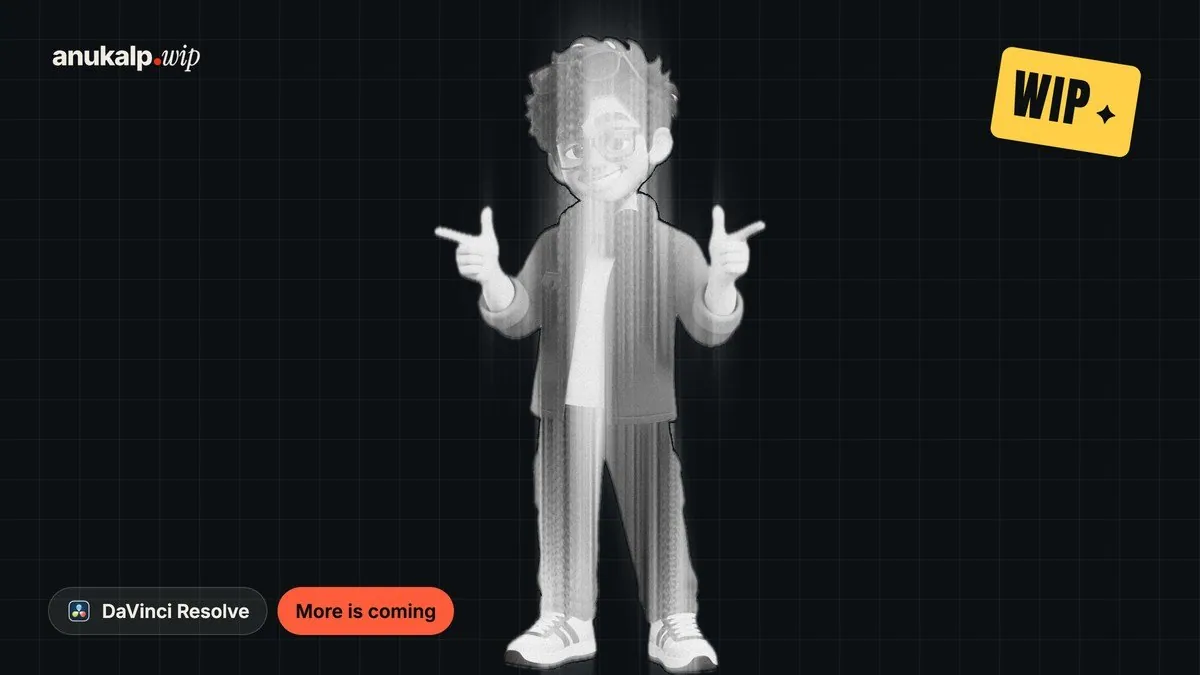
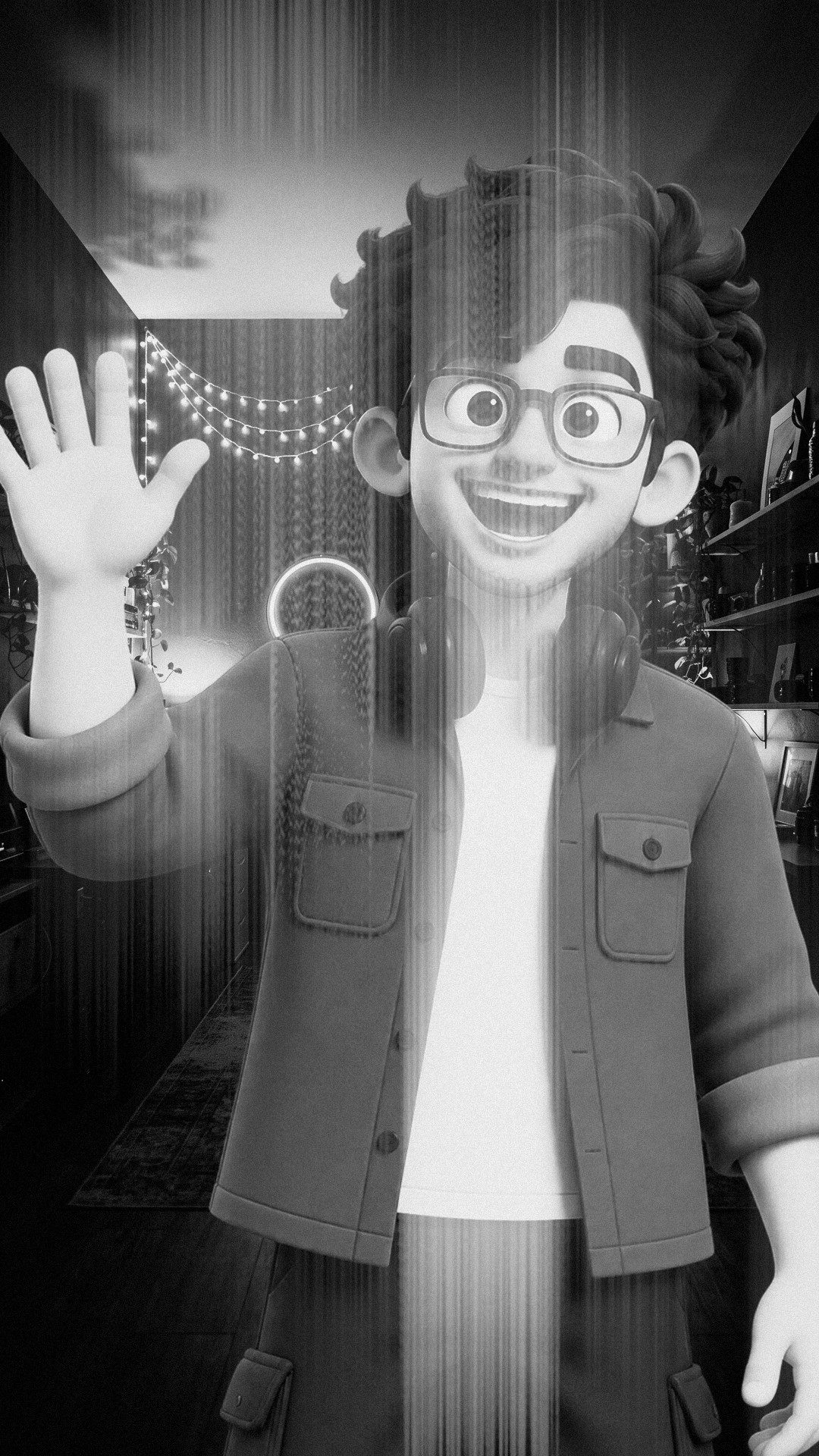



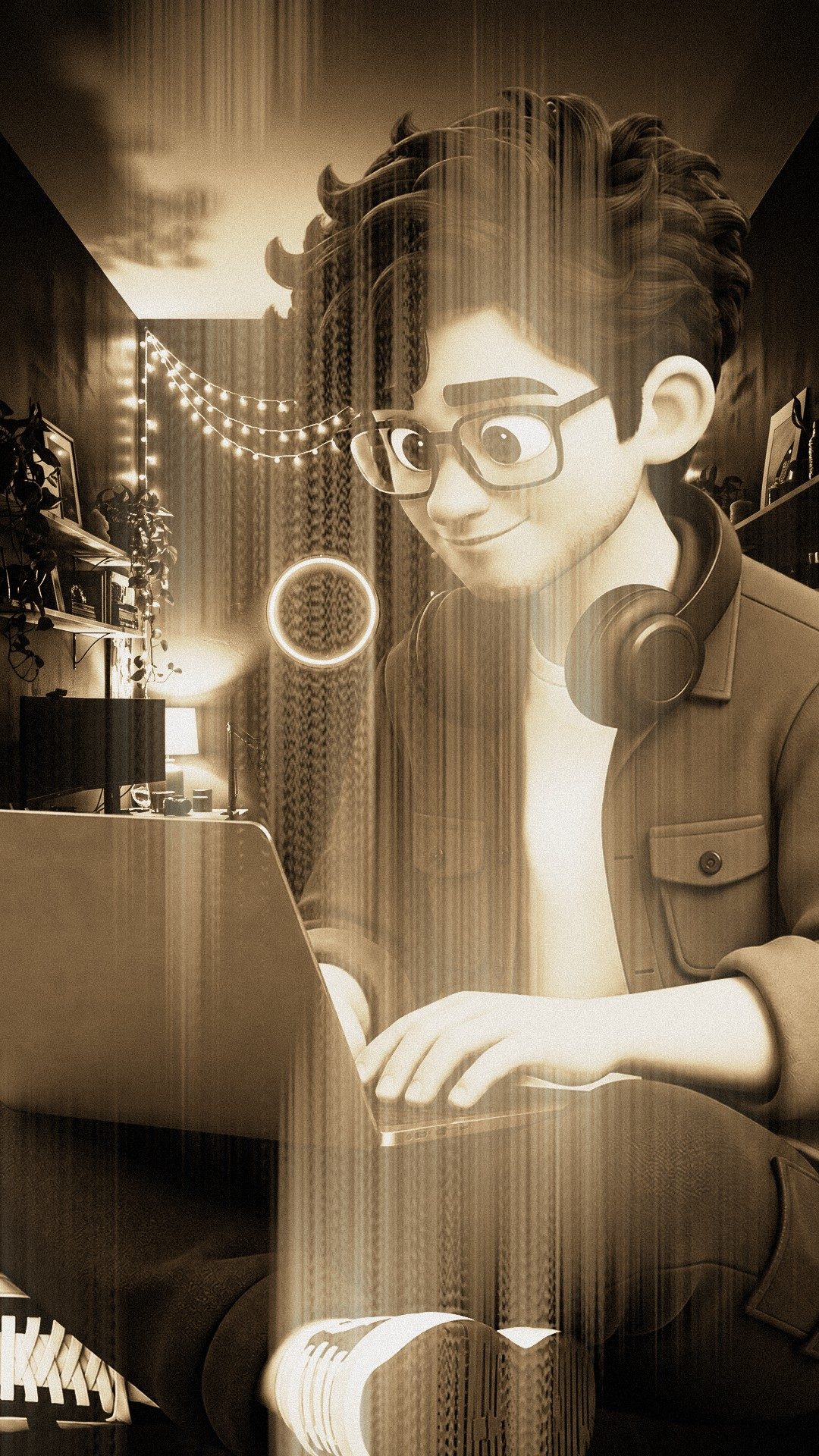
classic vertical · centre beam · pixel stretch · light glow · tinted
What it is
What it does
The trending light stretch look from the Premiere tutorials, built for free DaVinci Resolve as one effect. The tutorial way stacks a duplicate with a directional blur, a luma key, an adjustment layer with noise and a curves grade by hand. Here it is one drag: the picture stretches into thin lines of light, only where it is brighter than what is under it, over a high-contrast black & white grade with fine noise. Four looks, any direction, a streak zone you place on your subject, and Pulse to flash it on the beat. One GPU pass, real-time in free Resolve.
- Four looks: Classic Vertical, Centre Beam (with a light column), Pixel Stretch (sideways colour), Light Glow
- Streaks only where the stretched light is brighter than the picture: faces stay clean, the light runs over darker areas
- Any direction: up and down, up, down, sideways or your own angle
- Built-in grade: black & white, tinted (colour picker) or original colour, with contrast, brightness and fine noise
- Area: gather the streaks around your subject instead of the whole frame
- Animation: whole clip, grow in, die out, or Pulse on the beat
- Runs on your GPU and plays in real time in free Resolve
Use it for
- Music video and rap edits
- Trend edits that flash on the beat
- Intro shots and reveals
- Moody black & white portraits
Tips
- It shines on darker footage with bright details (faces, chains, lights), like the music-video originals.
- Bright daylight footage: raise Brightness Threshold and lower Brightness so the sky doesn't take over.
- Pulse Every 12 at 24 fps flashes twice a second: match it to your song's beat.
- Grade Mix 0 keeps your own colour grade and adds only the streaks.
- Changing a drop-down: click it, then use the arrow keys and Return. Scrolling over a drop-down changes it.
- After updating, delete the effect from your clip and drag it on again.
Install · about a minute
Four steps
- 01
Unzip the download and keep the folder together. This plugin has two files, so don't double-click only the .drfx.
- 02
Mac: double-click Install (Mac).command. If macOS says it was not opened, click Done, open System Settings › Privacy & Security, scroll down and click Open Anyway. Or open Terminal, type
bashand a space, drag the installer into the window and press Return. Windows: double-click Install (Windows).bat. If Windows says it protected your PC, click More info › Run anyway. - 03
Quit DaVinci Resolve fully and open it again. The kernel is only read when Resolve starts.
- 04
On the Edit page, open Effects › Effects › anukalp.wip, drag WIP Light Stretch onto a clip, then pick a Look in the Inspector.
No installer? Copy both files by hand: the .fuse into ~/Library/Application Support/Blackmagic Design/DaVinci Resolve/Fusion/Fuses/ and the .drfx into …/Fusion/Templates/ on Mac, or %APPDATA%\Blackmagic Design\DaVinci Resolve\Support\Fusion\Fuses\ and …\Fusion\Templates\ on Windows, then restart Resolve. How to install.txt in the download has every step.
Troubleshooting
If something's off
- It isn't in the Effects library. Restart Resolve after installing. Still missing? Use the manual install path above.
- It looks different from the demo. Check you're on Resolve 21, then compare your Inspector settings with the defaults in the guide.
- Known issues: Effect shows nothing, or Resolve says "Unknown tool"? The kernel file is missing. Run the installer again (steps above) or copy both files by hand, then restart Resolve. Installer blocked? Mac: no Open Anyway button means the hour after the block has passed, so double-click the installer once more and look again (or use the Terminal route). Windows: no Run anyway button? Click More info first. "May depend on other compressed files"? Extract the zip first. Smart App Control blocked it? Don't turn it off: copy the two files by hand instead (How to install.txt), nothing has to run. Windows has not been tested yet. If it misbehaves, tell us.
Compatibility
Version 1.0.0
| Works on | macOS, Windows |
|---|---|
| DaVinci Resolve | 21 (tested on Mac) · Free and Studio |
| Released | 26 Nov 2026 |
| Download size | 1.6 MB |
What's new in 1.0.0
- First release: Classic Vertical, Centre Beam, Pixel Stretch and Light Glow looks, built-in black & white / tinted grade with noise, Pulse animation, real-time on the GPU.
Free download · 1.6 MB
Get WIP Light Stretch
Important · read before installing
Follow the install steps in the guide that comes with this download.
If you skip these steps and only double-click the .drfx file, the plugin may not work on your computer. See the install steps ↓
Enter your email and we'll send a download link. Already confirmed for another plugin? Same address, no new steps.Downloads aren't open yet. Leave your email and you'll hear the moment WIP Light Stretch is out.
✓ Email confirmed
You're on the list. We'll email you the moment WIP Light Stretch is out.
Downloads aren't open yet. Want an email the moment WIP Light Stretch is out?
WIP Light Stretch is a paid plugin. Pay once, keep it, and every update is included.
Secure payment by Razorpay: UPI, cards, netbanking. The receipt and download link go to your email. Refunds · Already bought it? Sign in
You're in. Every free plugin on the site is unlocked in this browser.
✉ One more step
Check your inbox
We sent a link to . Click it and you come back here with the download ready. Not there? Look in Spam or Promotions.
·
Buying plugins
Good to know
Is it a one-time payment?
Yes. Pay once and the .drfx plugin is yours, with every future update to it included. No subscription.
What does the bundle include?
Every paid .drfx plugin on the site ( right now) and every update to them, for one payment of . The apps aren't part of it: they're free.
Are Object Mask and SubAssist free?
Yes. The apps stay free to use. Only the .drfx plugins are paid.
I downloaded plugins while they were free. Do I have to pay?
No. Every .drfx plugin you downloaded before stays yours, free, including its updates. Just use the same email. (The apps are separate: they stay free for everyone.)
How do I download it again, or on another computer?
Open My plugins, enter the email you bought with, and click the sign-in link we send. Every plugin you own is there. Use it on all your own computers.
How do I pay? Is it safe?
Payments go through Razorpay: UPI, cards, netbanking and wallets in India, and international cards. We never see your card details. In India you pay in ₹, elsewhere in $.
Can I get a refund?
If it doesn't work on your setup and we can't fix it, or you were charged twice, yes. See Refunds & delivery.
Can I share it with my team or friends?
A purchase is for you, on your own computers, in personal and client work. Please don't share or re-upload the files. Point people to this site instead.