
Plugins › Effects
Light Sweep
A clean band of light that sweeps over people, products, logos and titles. Drop it on, no Fusion nodes.
✓ Email confirmed
You're on the list. We'll email you the moment Light Sweep is out.
Downloads aren't open yet. Want an email the moment Light Sweep is out?
You're in. Every free plugin on the site is unlocked in this browser.
✉ One more step
Check your inbox
We sent a link to . Click it and you come back here with the download ready. Not there? Look in Spam or Promotions.
·
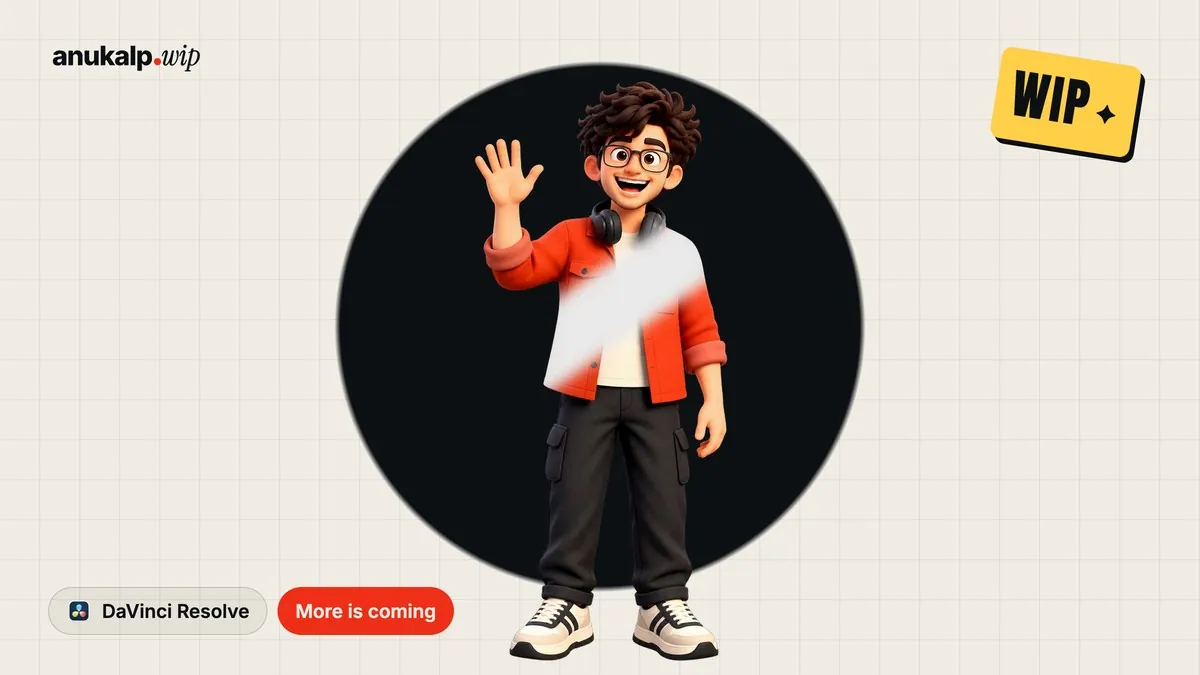

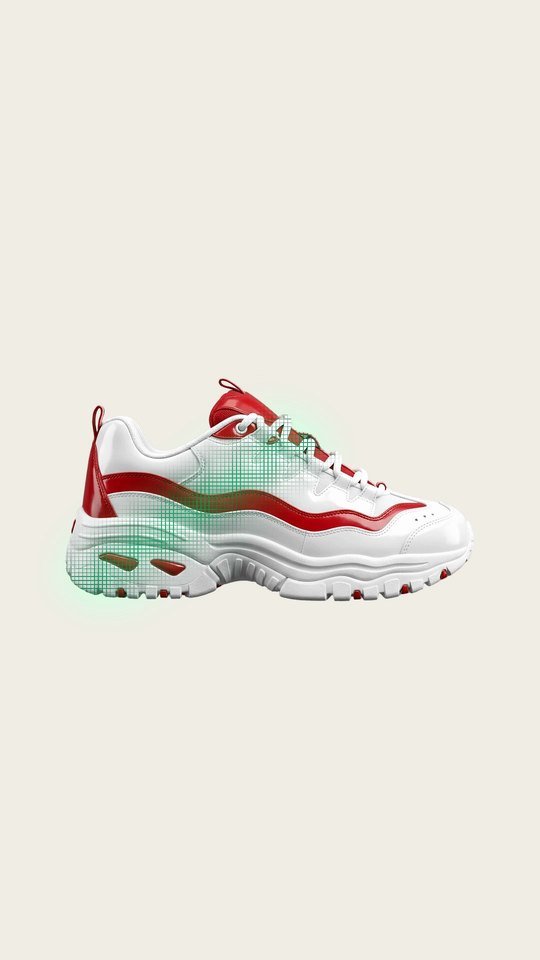

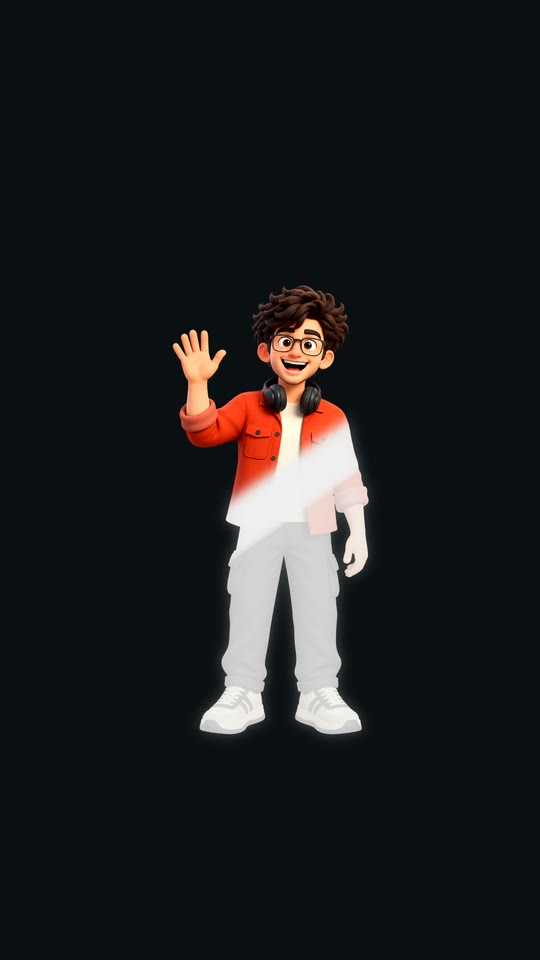
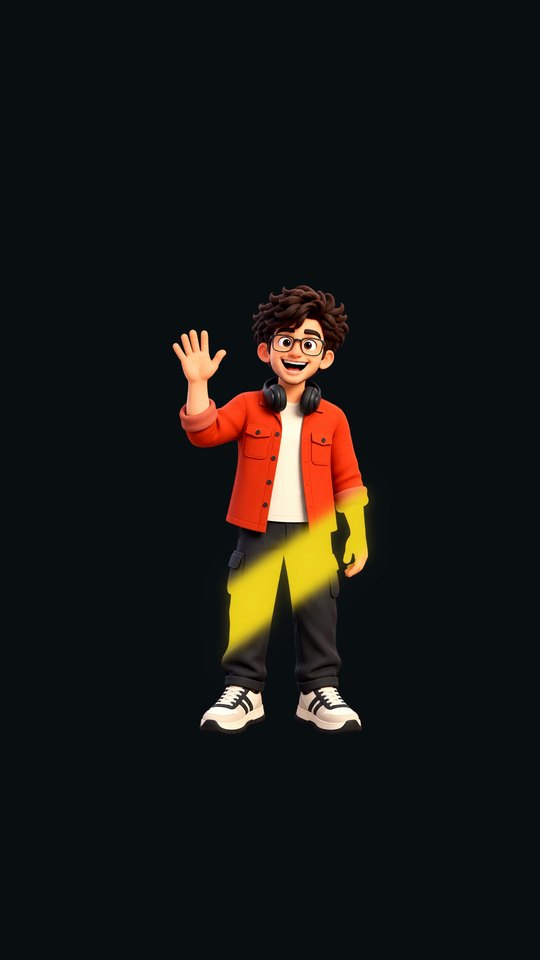
Real frames from the plugin: Sweep on a coin · Grid texture in green · Edge Trace · Leave Behind wash · Gold sweep
What it is
What it does
Sends a soft band of light across your clip, the shine you see on outfits, products and logos. On a cut-out subject or a title the light stays inside its shape; on normal footage it can hit only the bright parts or the whole screen. Switch to Edge Trace to send the light around the outline, leave a wash behind for disappear and outfit-change moments, add a dots, grid or lines texture, and pick any colour. Works in free Resolve.
- Shine on the subject (clip shape), the bright parts, or the whole screen
- Sweep or Edge Trace around the outline
- Leave Behind: the light leaves a wash on the subject
- Dots, grid or lines texture inside the band
- Any colour, Glow or Paint blend, direction and tilt
- Play at start, at end, on loop or across the whole clip
Use it for
- Outfit, product and logo reveals
- 'Disappear' and outfit-change moments with Leave Behind
- Glints on titles and text
- Neon-style outline traces around a cut-out person
Tips
- On a small cut-out, raise Path Start and lower Path End so the light spends its time on the subject.
- A thin, soft band (low Width, low Softness) looks the most premium.
- White on white won't show: pick a colour or the Paint blend for light objects.
- Leave Behind near 0.8 makes a clean 'ghost out' for disappear transitions.
Install · about a minute
Four steps
- 01
Unzip the download, then double-click the .drfx file inside. Resolve installs it for you.
- 02
Restart DaVinci Resolve.
- 03
On the Edit page, open Effects › Effects › anukalp.wip.
- 04
Drag it onto your timeline, select it, and change everything in the Inspector.
Double-click doesn't work? Copy the .drfx into ~/Library/Application Support/Blackmagic Design/DaVinci Resolve/Fusion/Templates/ on Mac, or %APPDATA%\Blackmagic Design\DaVinci Resolve\Support\Fusion\Templates\ on Windows, then restart Resolve.
Troubleshooting
If something's off
- It isn't in the Effects library. Restart Resolve after installing. Still missing? Use the manual install path above.
- It looks different from the demo. Check you're on Resolve 21, then compare your Inspector settings with the defaults in the guide.
- Known issues: none reported for this version yet.
Compatibility
Version 1.0.0
| Works on | macOS, Windows |
|---|---|
| DaVinci Resolve | 21 (tested on Mac) · Free and Studio |
| Released | 5 Nov 2026 |
| Download size | 960 KB |
What's new in 1.0.0
- First release: Sweep and Edge Trace, subject / bright parts / whole screen, Leave Behind wash, dots, grid and lines textures, 29 controls.
Free download · 960 KB
Get Light Sweep
Enter your email and we'll send a download link. Already confirmed for another plugin? Same address, no new steps.Downloads aren't open yet. Leave your email and you'll hear the moment Light Sweep is out.
✓ Email confirmed
You're on the list. We'll email you the moment Light Sweep is out.
Downloads aren't open yet. Want an email the moment Light Sweep is out?
You're in. Every free plugin on the site is unlocked in this browser.
✉ One more step
Check your inbox
We sent a link to . Click it and you come back here with the download ready. Not there? Look in Spam or Promotions.
·