
Plugins › Effects
WIP Textures
Print your footage onto paper, cracked walls, lace, old type or glass: real material, real light, a matching grade.
✓ Email confirmed
You're on the list. We'll email you the moment WIP Textures is out.
Downloads aren't open yet. Want an email the moment WIP Textures is out?
You're in. Every free plugin on the site is unlocked in this browser.
✉ One more step
Check your inbox
We sent a link to . Click it and you come back here with the download ready. Not there? Look in Spam or Promotions.
·
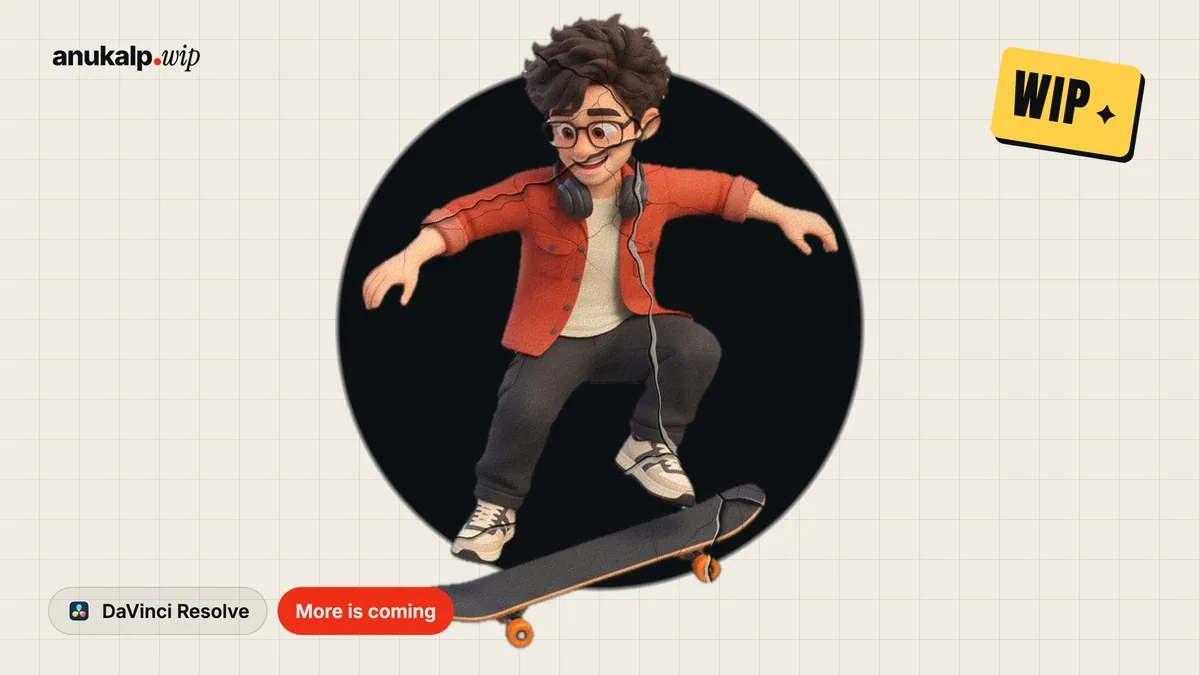




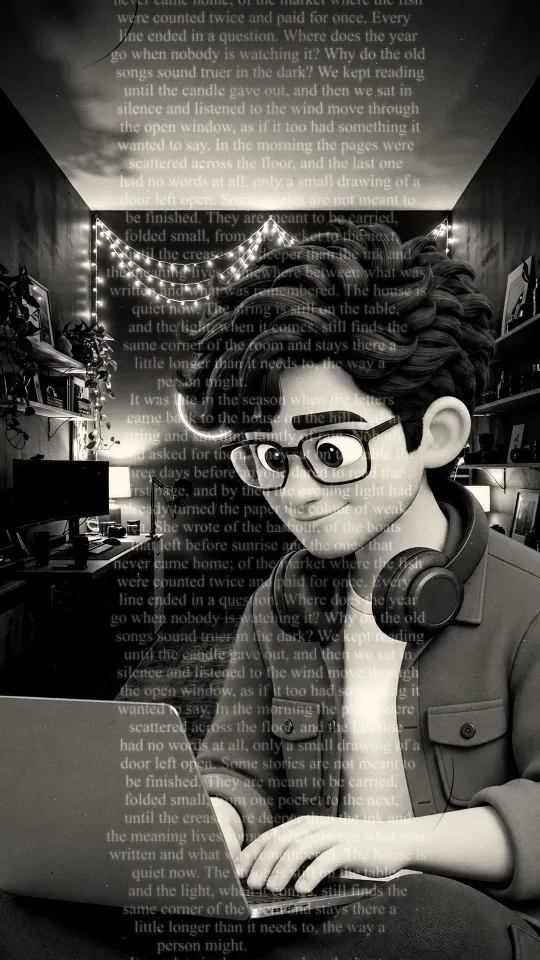
sticky paper · crumpled paper · wall crack · lace · printed text
What it is
What it does
Drop it on any clip and the picture becomes part of a surface: glued poster paper, crumpled or folded paper, a cracked wall, dry mud, lace, printed or terminal text, or ribbed and block glass. The surface is lit, so wrinkles and cracks shade the picture itself, the print wears off on the ridges, and every texture comes with a colour grade that suits it. Type your own words for the text looks, and it plays in real time in free Resolve.
- 10 textures: Sticky, Crumpled and Folded Paper, Wall and Dry Crack, Lace, Printed and Terminal Text, Ribbed Glass, Glass Blocks
- The picture is printed on the material, not drawn over it: lit wrinkles, worn print, paper tooth
- Every texture comes with its own matching colour grade, or pick any grade yourself
- Light Angle, Depth, Scale, Rotation and Variation to make it sit right
- Type your own words for Printed and Terminal Text
- Grain, Dust & Hair and Edge Burn to finish
- Stop-motion option: a new texture every few frames
- Runs on your GPU and works in free Resolve
Use it for
- Poster and editorial looks for reels
- Moody portrait edits
- Music video and fashion textures
- Title cards and thumbnails with a print feel
Tips
- Faces look best with Amount around 0.7 to 0.9.
- Set Light Angle to the same side as the light in your shot so the surface looks real.
- Lace and text show best on lit parts: keep Show More on Bright Parts up.
- Texture Moves on New Every 3 Frames gives a stop-motion print feel.
- Try a different Colour Grade: Warm Gold suits almost any paper.
- After updating, delete the effect from your clip and drag it on again.
Install · about a minute
Four steps
- 01
Unzip the download and keep the folder together.
- 02
Mac: double-click Install (Mac).command. If macOS says it can't be opened, right-click it and choose Open. Windows: double-click Install (Windows).bat.
- 03
Restart DaVinci Resolve.
- 04
On the Edit page, open Effects › Effects › anukalp.wip, drag WIP Textures onto a clip, select the clip and open the Inspector to change everything.
Double-click doesn't work? Copy the .drfx into ~/Library/Application Support/Blackmagic Design/DaVinci Resolve/Fusion/Templates/ on Mac, or %APPDATA%\Blackmagic Design\DaVinci Resolve\Support\Fusion\Templates\ on Windows, then restart Resolve.
Troubleshooting
If something's off
- It isn't in the Effects library. Restart Resolve after installing. Still missing? Use the manual install path above.
- It looks different from the demo. Check you're on Resolve 21, then compare your Inspector settings with the defaults in the guide.
- Known issues: Textures has two parts, so double-clicking only the .drfx is not enough. Use the installer. Windows has not been tested yet. If it misbehaves, tell us.
Compatibility
Version 1.0.0
| Works on | macOS, Windows |
|---|---|
| DaVinci Resolve | 21 (tested on Mac) · Free and Studio |
| Released | 11 Nov 2026 |
| Download size | 1.5 MB |
What's new in 1.0.0
- First release: ten textures printed on real lit material, a matching colour grade for each, your own text, grain, dust and edge burn.
Free download · 1.5 MB
Get WIP Textures
Enter your email and we'll send a download link. Already confirmed for another plugin? Same address, no new steps.Downloads aren't open yet. Leave your email and you'll hear the moment WIP Textures is out.
✓ Email confirmed
You're on the list. We'll email you the moment WIP Textures is out.
Downloads aren't open yet. Want an email the moment WIP Textures is out?
You're in. Every free plugin on the site is unlocked in this browser.
✉ One more step
Check your inbox
We sent a link to . Click it and you come back here with the download ready. Not there? Look in Spam or Promotions.
·