
Plugins › Titles
Title Bundle
Five animated titles in one install: sticker pops, giant words, neon punches, curved text and combo lines. Every move has a graph you can drag.
✓ Email confirmed
You're on the list. We'll email you the moment Title Bundle is out.
Downloads aren't open yet. Want an email the moment Title Bundle is out?
You're in. Every free plugin on the site is unlocked in this browser.
✉ One more step
Check your inbox
We sent a link to . Click it and you come back here with the download ready. Not there? Look in Spam or Promotions.
·
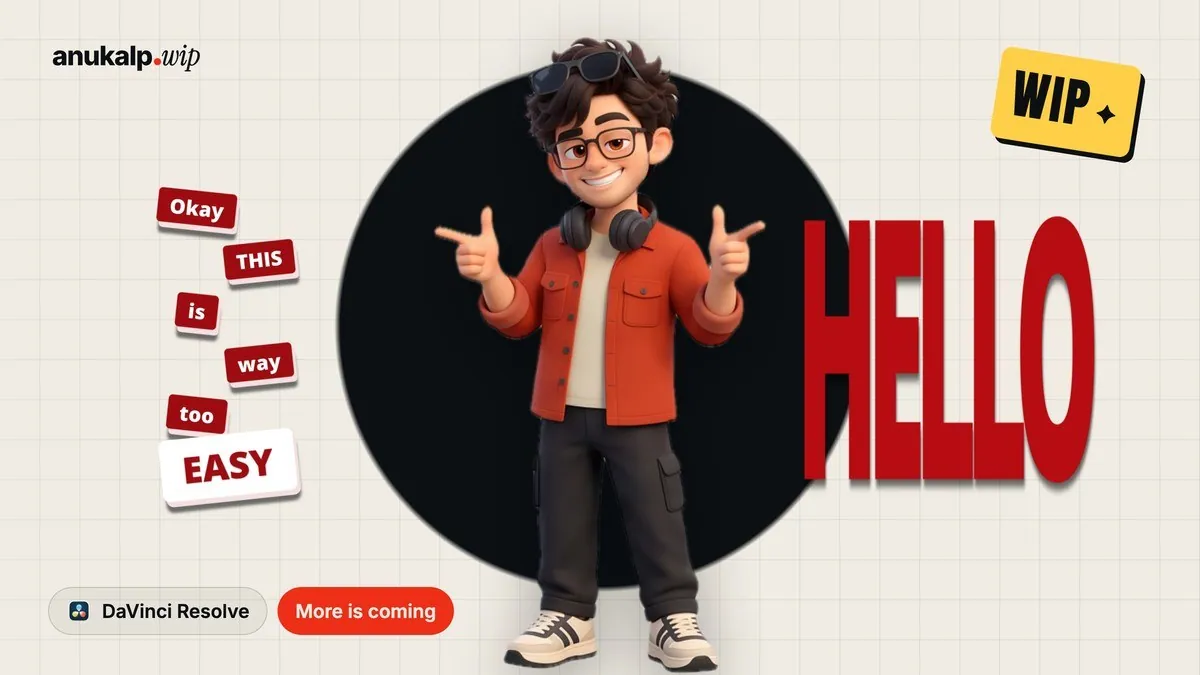
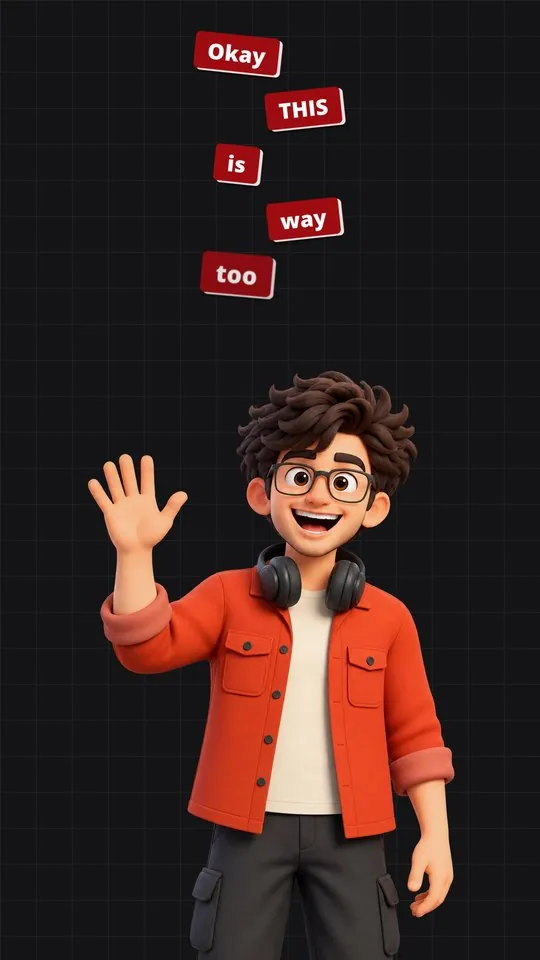
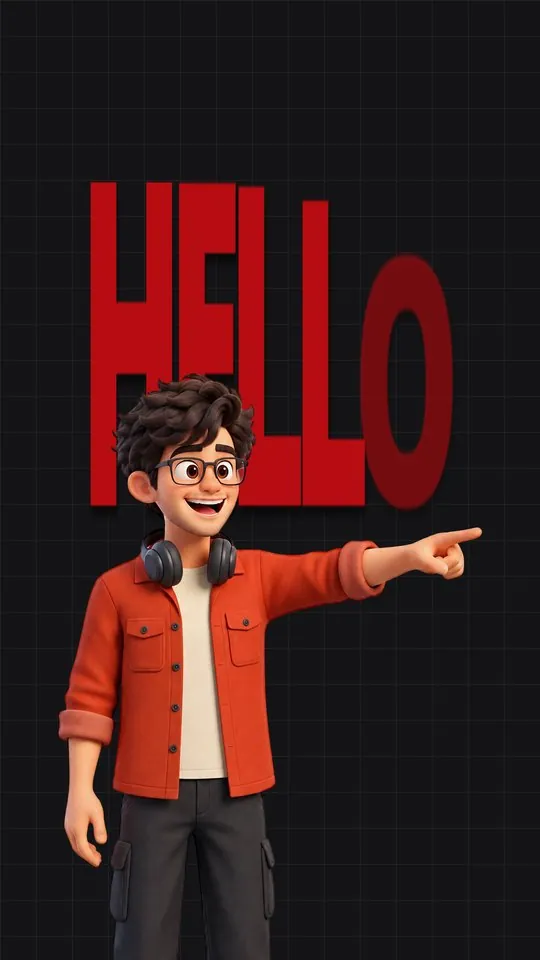
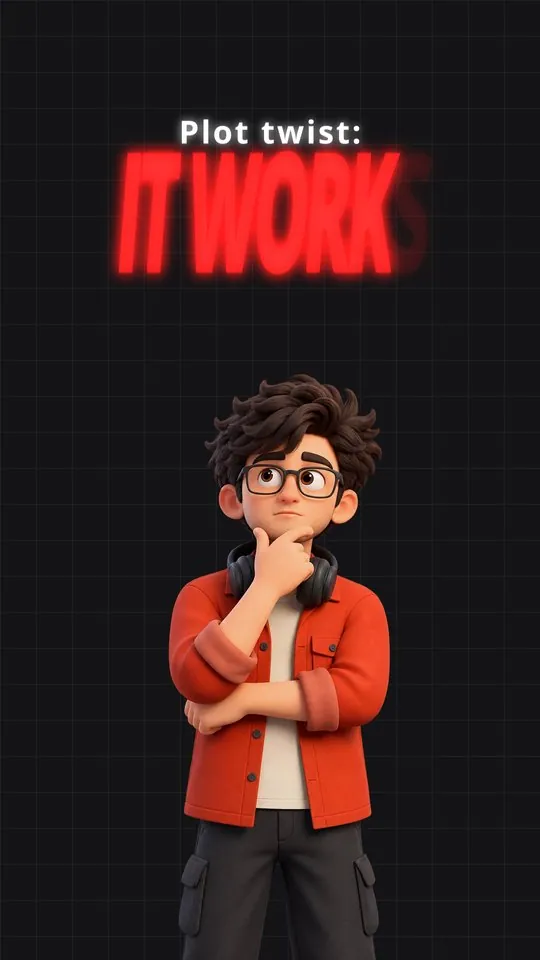
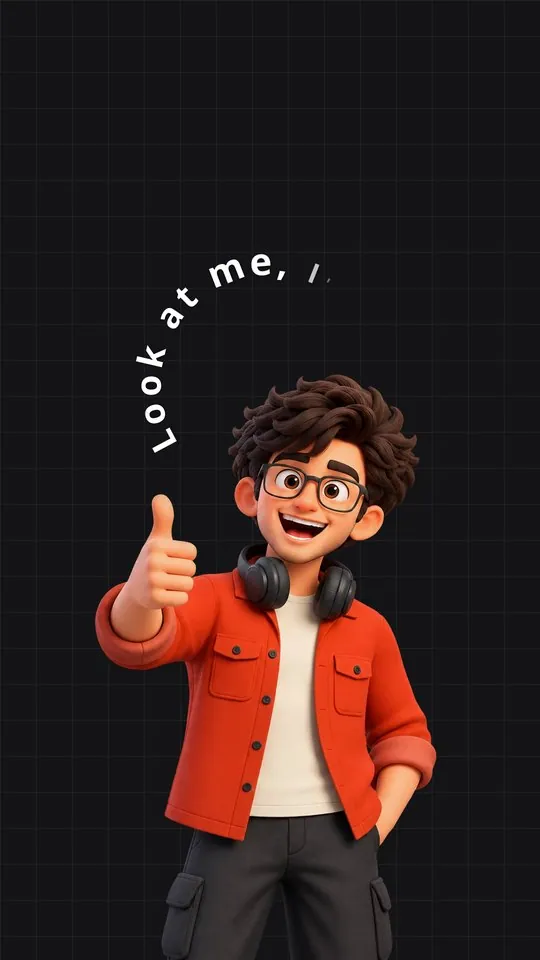
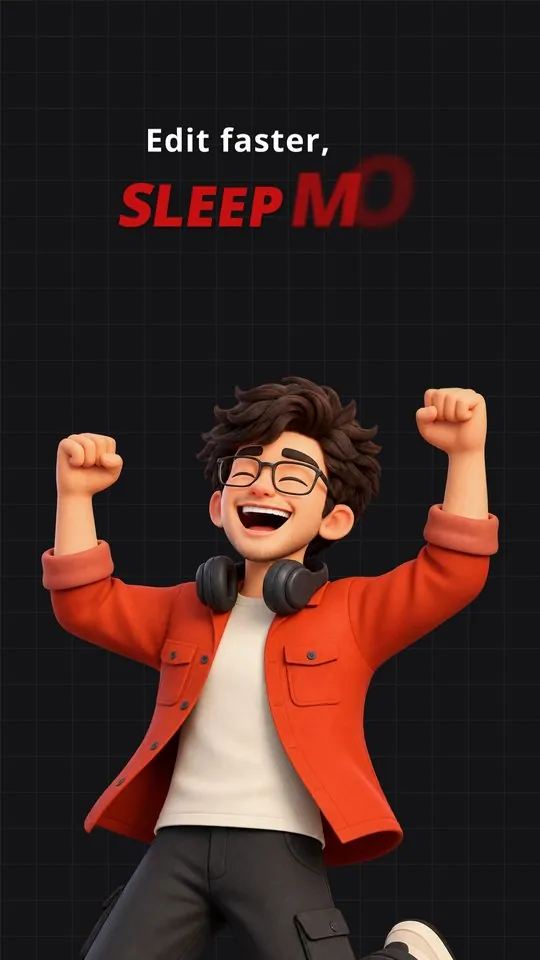
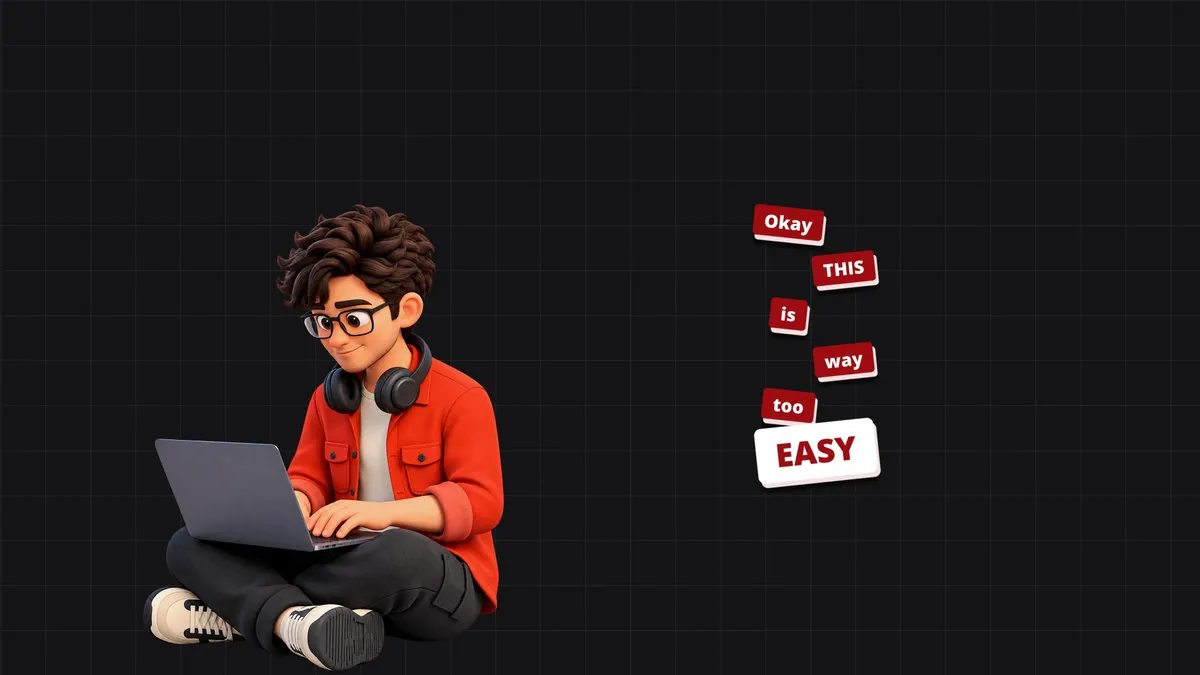
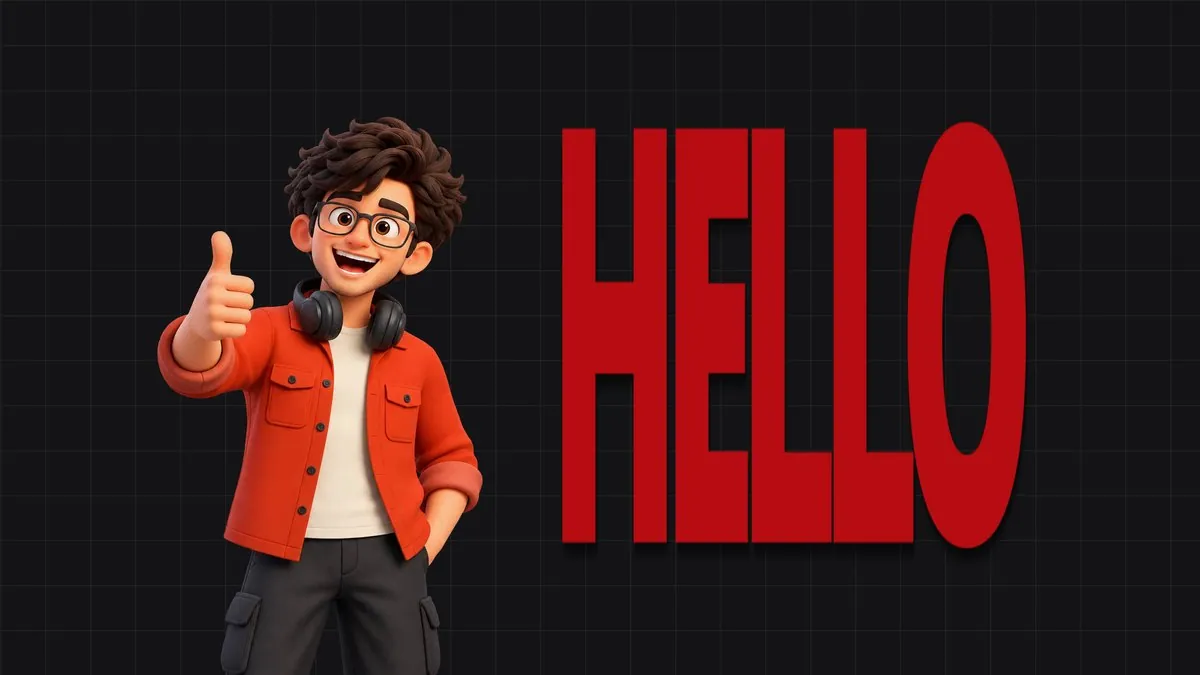
Real frames from the titles: Sticker Pop · Giant Word · Neon Punch · Arc Text · Combo Line
What's in the pack
5 titles, one download
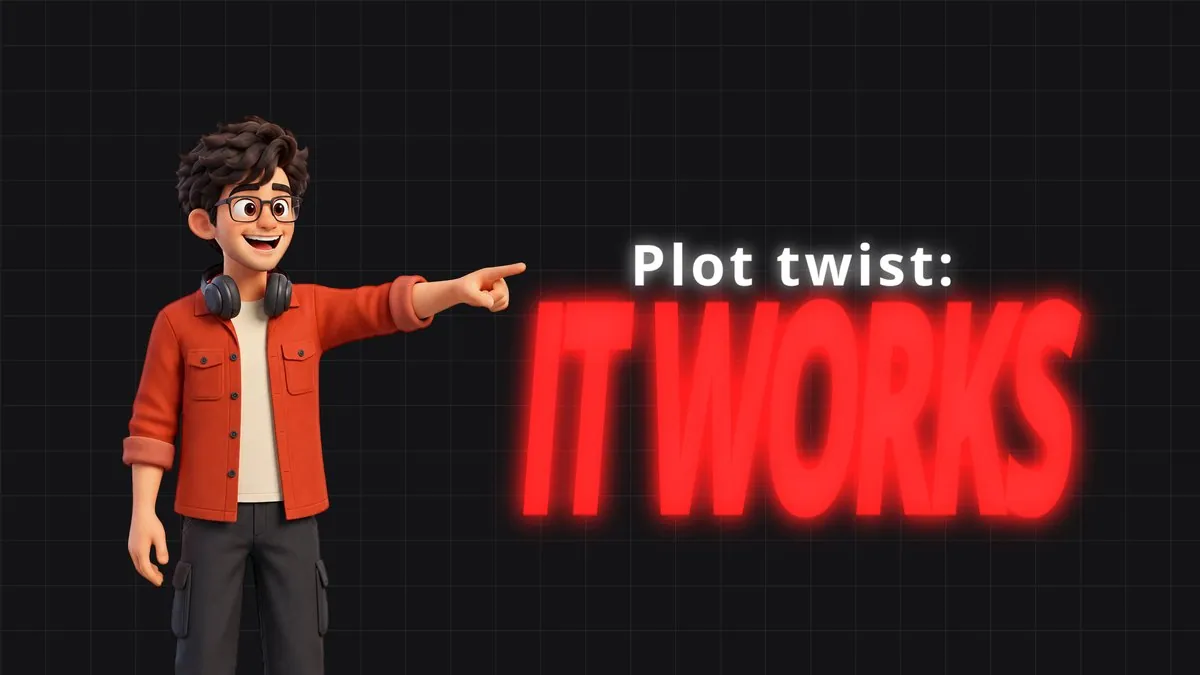
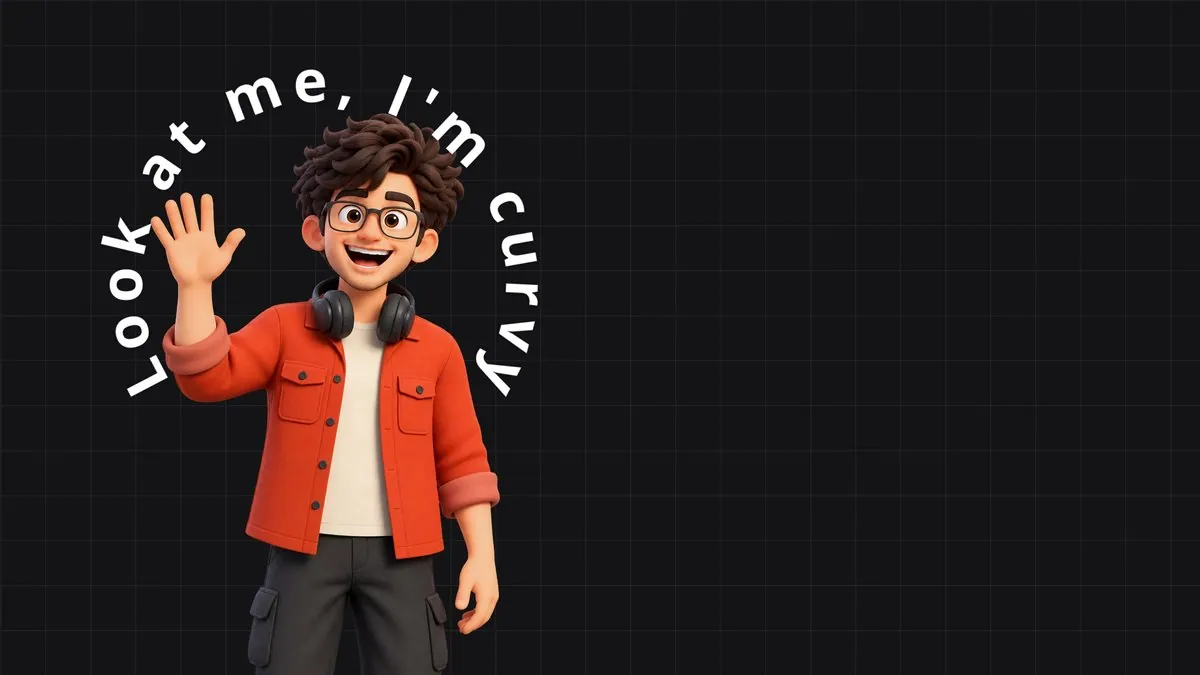
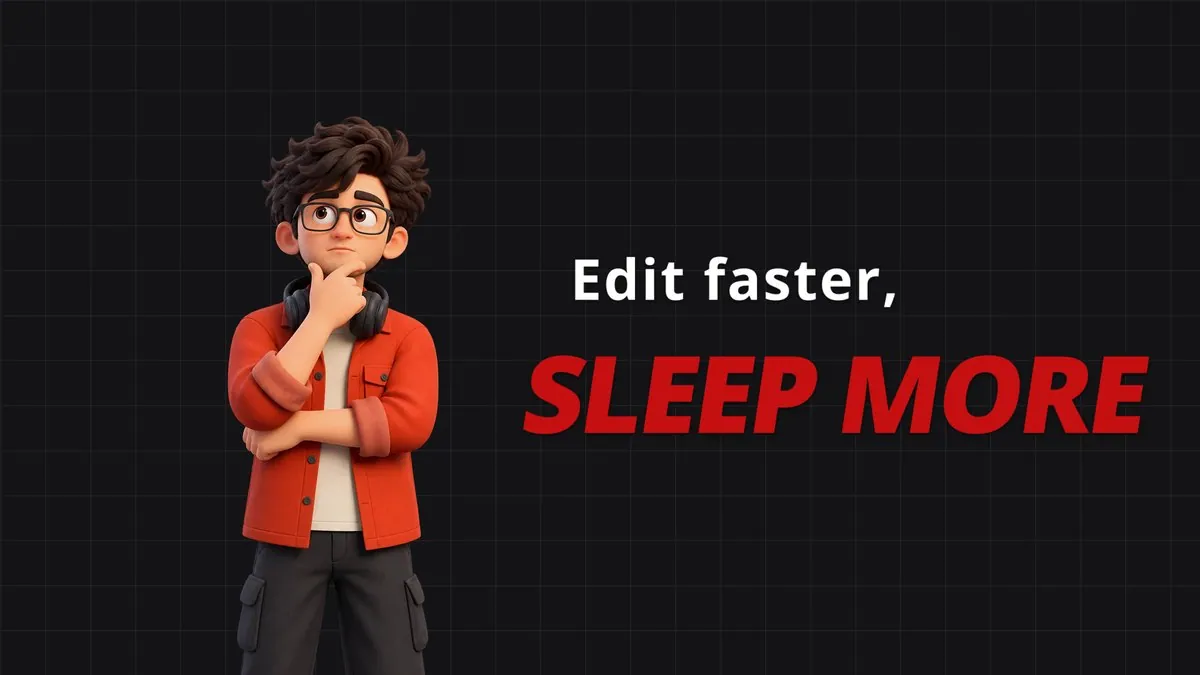
What it is
What it does
Five drag-and-drop titles for the Edit page in one .drfx: Sticker Pop, Giant Word, Neon Punch, Arc Text and Combo Line. Letters animate one by one with eight styles, every In and Out animation has an ease graph you can drag in the Inspector, and controls only show when they apply. Rebuilt to play back in real time in free Resolve. Replaces Text Pack Vol.1.
- Five titles in one install, with one PDF guide
- Draggable ease graph for every In and Out animation
- Eight letter styles: Pop, Slam, Rise, Blur In, Stretch Up, Typewriter, Flicker, Swing
- Controls only show when they apply
- Rebuilt engine: up to 10x lighter while letters animate, real-time in free Resolve
- Every line gets its own text, font, size, colour, position and animation
- Works on 9:16 and 16:9 timelines
Use it for
- Hook text in the first two seconds of a reel
- Talking-head captions with one emphasised word
- Text-behind-subject shots
- Reveals, punchlines and section titles
Tips
- Pick an Ease, then drag its graph: a bigger bump = more overshoot, a flat curve = a calmer landing.
- Giant Word on the track under a cut-out of your subject gives the text-behind-person look. Object Mask makes the cut-out.
- In Sticker Pop, make the last word the highlight for the punchline.
- Neon Punch and Combo Line have a separate animation for each line, so the second line can land exactly on the beat.
- Had Text Pack Vol.1? Delete its five .drfx files from the Templates folder before installing the bundle.
Install · about a minute
Four steps
- 01
Unzip the download, then double-click the .drfx file inside. Resolve installs it for you.
- 02
Restart DaVinci Resolve.
- 03
On the Edit page, open Effects › Titles › anukalp.wip.
- 04
Drag it onto your timeline, select it, and change everything in the Inspector.
Double-click doesn't work? Copy the .drfx into ~/Library/Application Support/Blackmagic Design/DaVinci Resolve/Fusion/Templates/ on Mac, or %APPDATA%\Blackmagic Design\DaVinci Resolve\Support\Fusion\Templates\ on Windows, then restart Resolve.
Troubleshooting
If something's off
- It isn't in the Effects library. Restart Resolve after installing. Still missing? Use the manual install path above.
- It looks different from the demo. Check you're on Resolve 21, then compare your Inspector settings with the defaults in the guide.
- Known issues: none reported for this version yet.
Compatibility
Version 2.0.0
| Works on | macOS, Windows |
|---|---|
| DaVinci Resolve | 21 (tested on Mac) · Free and Studio |
| Released | 7 Nov 2026 |
| Download size | 5.6 MB |
What's new in 2.0.0
- Text Pack Vol.1 is now the Title Bundle: all five titles in one .drfx with one guide.
- Rebuilt engine: real-time playback, up to 10x lighter while letters animate.
- Draggable ease graph for every In and Out animation; controls only show when they apply.
- Two titles in the same Fusion comp no longer control each other.
Free download · 5.6 MB
Get Title Bundle
Enter your email and we'll send a download link. Already confirmed for another plugin? Same address, no new steps.Downloads aren't open yet. Leave your email and you'll hear the moment Title Bundle is out.
✓ Email confirmed
You're on the list. We'll email you the moment Title Bundle is out.
Downloads aren't open yet. Want an email the moment Title Bundle is out?
You're in. Every free plugin on the site is unlocked in this browser.
✉ One more step
Check your inbox
We sent a link to . Click it and you come back here with the download ready. Not there? Look in Spam or Promotions.
·